EasyManua.ls Logo

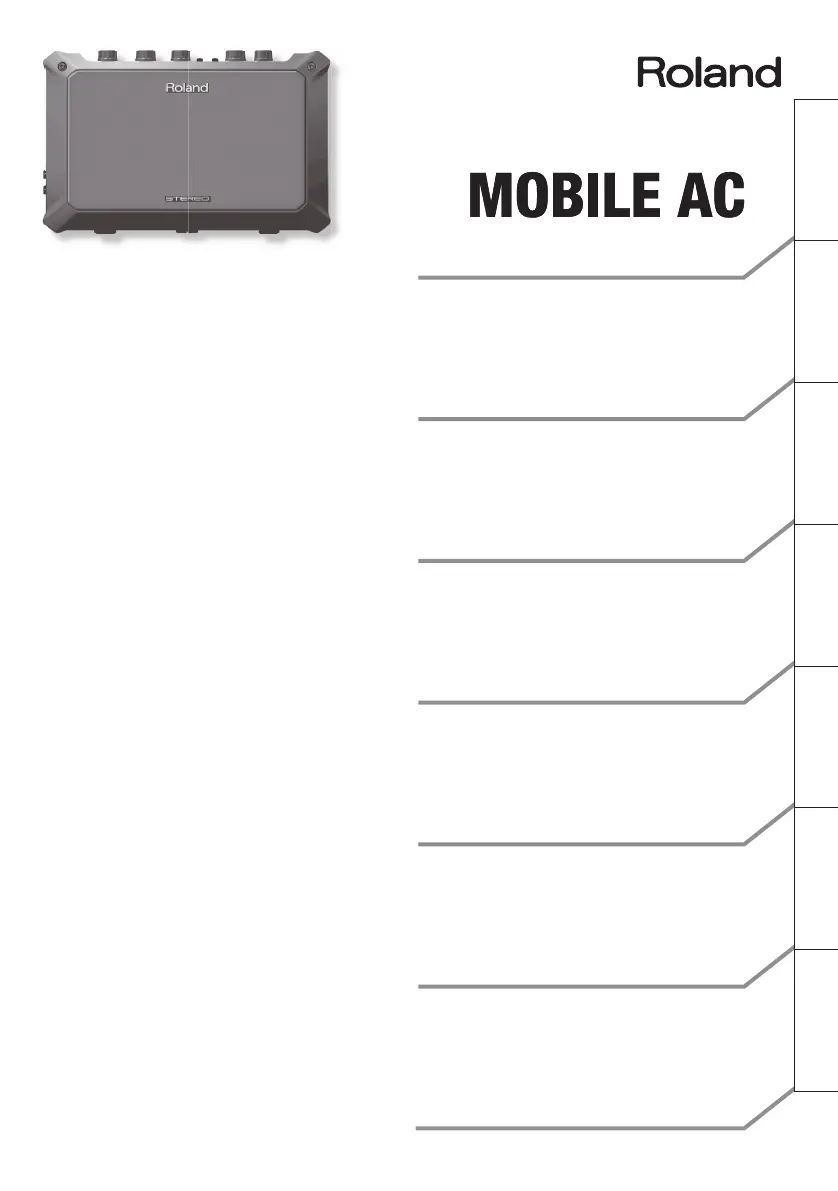
Roland MOBILE AC - User Manual

Roland MOBILE AC
116 pages
Print Icon
To Next Page IconTo Next Page
Loading...
Owners Manual
Gebruikershandleiding
Bedienungsanleitung
Mode d’emploi
Manuale dell’utente
Manual del usuario
Manual do proprietário
Deutsch Français Italiano Español Português NederlandsEnglish
BATTERY POWERED
STEREO ACOUSTIC GUITAR AMPLIFIER

Questions and Answers

  • J
    jensendevinJul 28, 2025
    Why is the sound distorted or noisy on my Roland Guitar amplifier?
    • J
      Jesus PowersJul 28, 2025
      If the sound from your Roland Guitar amplifier is distorted or noisy, there are a few potential causes. First, check if each [VOLUME] knob is raised excessively; if so, turn them to the left to adjust the volume appropriately. Also, the input level from the connected device might be too high, so try lowering its volume. Finally, exhausted batteries can cause distortion or cut-offs at high volumes. Replace the batteries or use the AC adapter (sold separately).
  • D
    Douglas BrownAug 1, 2025
    What to do if there is no sound or insufficient volume from my Roland Guitar amplifier?
    • A
      Amy PetersAug 2, 2025
      If you're experiencing no sound or insufficient volume from your Roland Guitar amplifier, first ensure that all connections with other devices are correct. Check them again to be sure. Next, verify that the [VOLUME] knob is set appropriately and adjust it as needed. If headphones are connected, the unit's speakers will be muted. Also, note that the MOBILE AC does not support condenser microphones requiring phantom power.
  • J
    James ThompsonAug 7, 2025
    How to fix a Roland MOBILE AC Guitar amplifier that won't turn on?
    • J
      James McdonaldAug 7, 2025
      If your Roland Guitar amplifier won’t turn on, there are a couple of things to check. First, make sure the batteries aren't exhausted and install fresh ones if needed. Also, verify that the specified AC adapter (sold separately) is correctly connected. Ensure you are only using the specified AC adapter model.
  • C
    coreymathewsAug 12, 2025
    Why is the volume from the speakers on my Roland MOBILE AC so low?
    • C
      carolynpageAug 12, 2025
      If you're experiencing insufficient volume from the speakers of your Roland Guitar amplifier, the batteries might be exhausted. Try installing fresh batteries to resolve this issue.
  • L
    lindsay22Aug 17, 2025
    What to do if the effect is not applied on my Roland Guitar amplifier?
    • T
      Tamara MurphyAug 17, 2025
      If the effect is not being applied on your Roland Guitar amplifier, make sure that the [CHORUS] switch is turned on by pressing it. Also, check the [REVERB] knob and turn it to the right to adjust the reverb depth.
  • M
    michelleherreraAug 21, 2025
    Why is the volume level too low when connecting a device to the AUDIO jacks of my Roland MOBILE AC Guitar amplifier?
    • L
      Lori WernerAug 22, 2025
      If the volume level of a device connected to the AUDIO jacks on your Roland Guitar amplifier is too low, the issue might be the connection cable. Ensure that you are not using a connection cable that contains a resistor, as this can reduce the volume. Use a cable without a resistor instead.

Summary

Getting Ready

Attaching the Strap

Instructions on how to attach and secure the included strap to the unit.

Installing the Batteries

Guide on how to insert the six alkaline batteries, including important notes.

Panel Descriptions

Side Panel (Connecting Your Equipment)

Explains the MIC, GUITAR, and AUDIO jacks and how to connect external equipment.

Turning the Power On and Off

Step-by-step instructions for safely powering the unit on and off.

Troubleshooting

Specifications

Using the Unit Safely

Power and Cord Safety

Covers safe usage of the AC adapter, power cord, and handling precautions.

Important Notes

Power Supply

Details on connecting to electrical outlets and AC adapter heat generation.

Roland MOBILE AC Specifications

General IconGeneral
Speakers10 cm (4 inches) x 2
IndicatorPower
ControlsVolume, Tone, Reverb
Dimensions280 mm x 108 mm x 177 mm (11 inches x 4-5/16 inches x 7 inches)
Weight2.5 kg (5 lbs 9 oz)
Nominal Input Level-10 dBu
ConnectorsGuitar Input, Mic Input, AUX Input
Expected battery life under continuous use15 hours
AccessoriesAC adapter
Power Output5W (2.5W + 2.5W)
Power SupplyAC Adaptor or 6 x AA batteries