Need help?
Do you have a question about the Roland PM-100 and is the answer not in the manual?
Explains the meaning of WARNING and CAUTION notices and symbols used in the manual.
Covers essential safety instructions for preventing fire, shock, and injury, including proper usage and environment.
Details safe practices for connecting, disconnecting, cleaning, moving, and general handling of the unit.
Recommendations for connecting the unit to the power supply, including avoiding shared outlets with specific appliances.
Advises on ideal placement, potential interference, and condensation issues to ensure optimal performance.
Provides guidance on cleaning, using controls, handling cables, and managing heat radiation during operation.
Lists registered trademarks and product names belonging to Roland Corporation and other owners.
Details the function and location of all buttons, knobs, jacks, and indicators on the front panel of the unit.
Explains the AC IN jack, DIRECT OUT connectors, and the DIRECT OUT switch on the rear panel.
Illustrates various ways to connect drum sound modules and electronic musical instruments to the unit's input jacks.
Step-by-step instructions for safely turning on the unit and connected devices in the correct order.
Guidelines for safely turning off the unit and connected devices, reversing the power-on sequence.
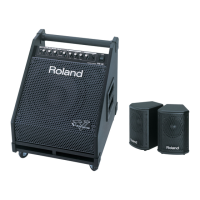
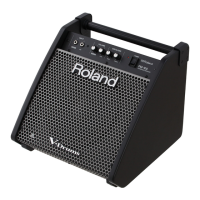
Detailed technical specifications for the Roland PM-100 personal monitor.
Detailed technical specifications for the Roland PM-200 personal monitor.
Visual representation of the audio signal path from inputs through processing to outputs for the unit.
 General
| Line-in Total Harmonic Distortion plus Noise (THD+N) (1kHz) | - % |
|---|---|
| RMS rated power | 80 W |
| Number of speakers | 2 |
| Woofer diameter (imperial) | 10 \ |
| Tweeter diameter (imperial) | 2 \ |
| Built-in display | No |
| Audio input | Stereo 1/4-inch phone type |
| Power consumption (max) | 36 W |
| Product color | Black |
| Volume control | Rotary |
| Cables included | AC |
 Weight and Dimensions
| Depth | 407 mm |
|---|---|
| Width | 388 mm |
| Height | 354 mm |
| Weight | 13500 g |

 To Next Page