Good to know
•
The earbuds and the device must be within 10
The earbuds and the device must be within 10
meters (or 30 feet) of each other. Intermediate
meters (or 30 feet) of each other. Intermediate
objects such as walls can shorten the range.
objects such as walls can shorten the range.
•
The earbuds can only be connected to one
The earbuds can only be connected to one
device at a time.
•
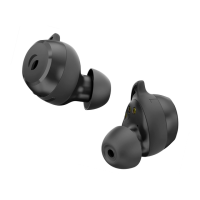
The Rolfstone Riva earbuds will automatically
The Rolfstone Riva earbuds will automatically
turn o when placed in the charging case.
turn o when placed in the charging case.
•
More information and instructions can be found
More information and instructions can be found
on www.rolfstone.com/en/faq/.
on www.rolfstone.com/en/faq/.
•
If you still have questions, please do not
If you still have questions, please do not
hesitate to contact us (page 15).
hesitate to contact us (page 15).
EN 8
Disconnect the earbuds
•
Open the Bluetooth settings
Open the Bluetooth settings
•
The earbuds are now free to connect to another
The earbuds are now free to connect to another
device.
•
If you want to reconnect the earbuds later,
If you want to reconnect the earbuds later,
follow the steps on page 5.
follow the steps on page 5.
EN 7


 To Next Page