transmit MIDI CC messages in order to control digital audio workstations and
software synthesizers.
USB-C
The type of USB connector used to connect and charge the Lightpad Block and
Seaboard Block. There is a female connector on the block itself, and a male
connector on the included USB-C-to-USB-A cable.
3 Getting Started
3.1 Charging
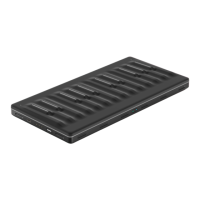
You should charge your Seaboard Block as the first step before proceeding.
When connected to a suitable power source, the Seaboard Block can charge
additional Blocks that are connected to its DNA connectors.
Plug the included USB-C cable into the Seaboard Block and plug the other end
of the cable into a USB 3 charger or a computer with a USB 3 port.


 To Next Page