EasyManua.ls Logo

rollease acmeda Paradigm - User Manual

Default Icon
6 pages
Print Icon
To Next Page IconTo Next Page
Loading...
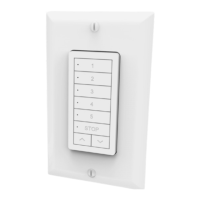
AUTOMATE PARADIGM FLUSH WALL SWITCH
433MHz
TECHNICAL
SPECIFICATIONS
Voltage:
3V
(CR2430)
Frequency:
433.92 MHz
TransmittingPower:
10
milliwatt
Ambient Operating
Temperature:
-
10˚C -50˚C
Transmission
Distance:
up
to 200 meters (open
space)
PACK CONTENTS
Switch
Fixing screws & anchors
Instruction Manual
3V CR2430 Battery
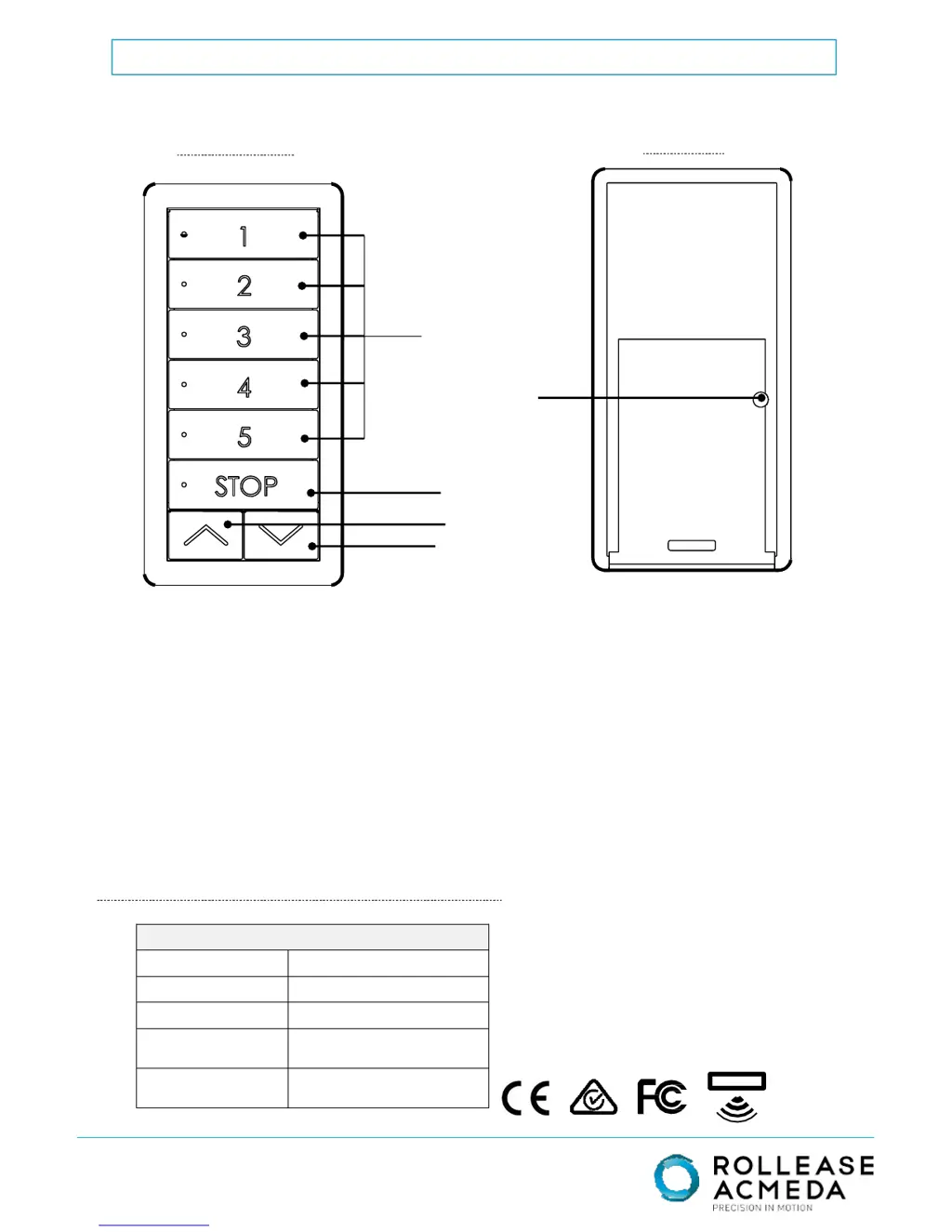
BACK
FRONT
Page. 1 of 6
STOP
CHANNELS
UP
DOWN
P2 BUTTON

Questions and Answers

Summary

Select Channel

To Select a Channel or Group

Press channel button(s) until the LED appears to select.

To De-select a Channel

Press channel button(s) until the channel LED disappears.

Pairing Switch to Motor

Activate Pairing Mode on Motor (Any)

Press and hold the button on the motor head for 3 seconds.

Pairing Procedure

Within 4 seconds, press and hold the STOP button for 3 seconds.

Group Control

Adding and Deleting Switches

Adding a Switch

Press P2 (1sec) on the existing controller to add a new switch.

Deleting a Switch

Press P2 (1sec) on the existing controller to delete a switch.

Switch to Add or Delete

Press P2 (1sec) on the controller to be added or deleted.

Adding and Deleting Channels

Adding a Channel

Press P2 (1sec) on the existing channel to add a new channel.

Deleting a Channel

Press P2 (1sec) on the existing channel to delete a channel.

Channel to Add or Delete

Press P2 (1sec) on the channel to be added or deleted.

rollease acmeda Paradigm Specifications

General IconGeneral
Brandrollease acmeda
ModelParadigm
CategorySwitch
LanguageEnglish

Related product manuals