23
E
Taking pictures manually
You can manually adjust conditions such as white balance, EV compensation and
sharpness when taking pictures. For white balance, EV compensation and sharp-
ness information, refer to WHITE BALANCE, EV COMPENSATION or SHARPNESS
in Record menu.
To take pictures manually:
1. Turn the camera on.
2. Turn the mode dial to the mode.
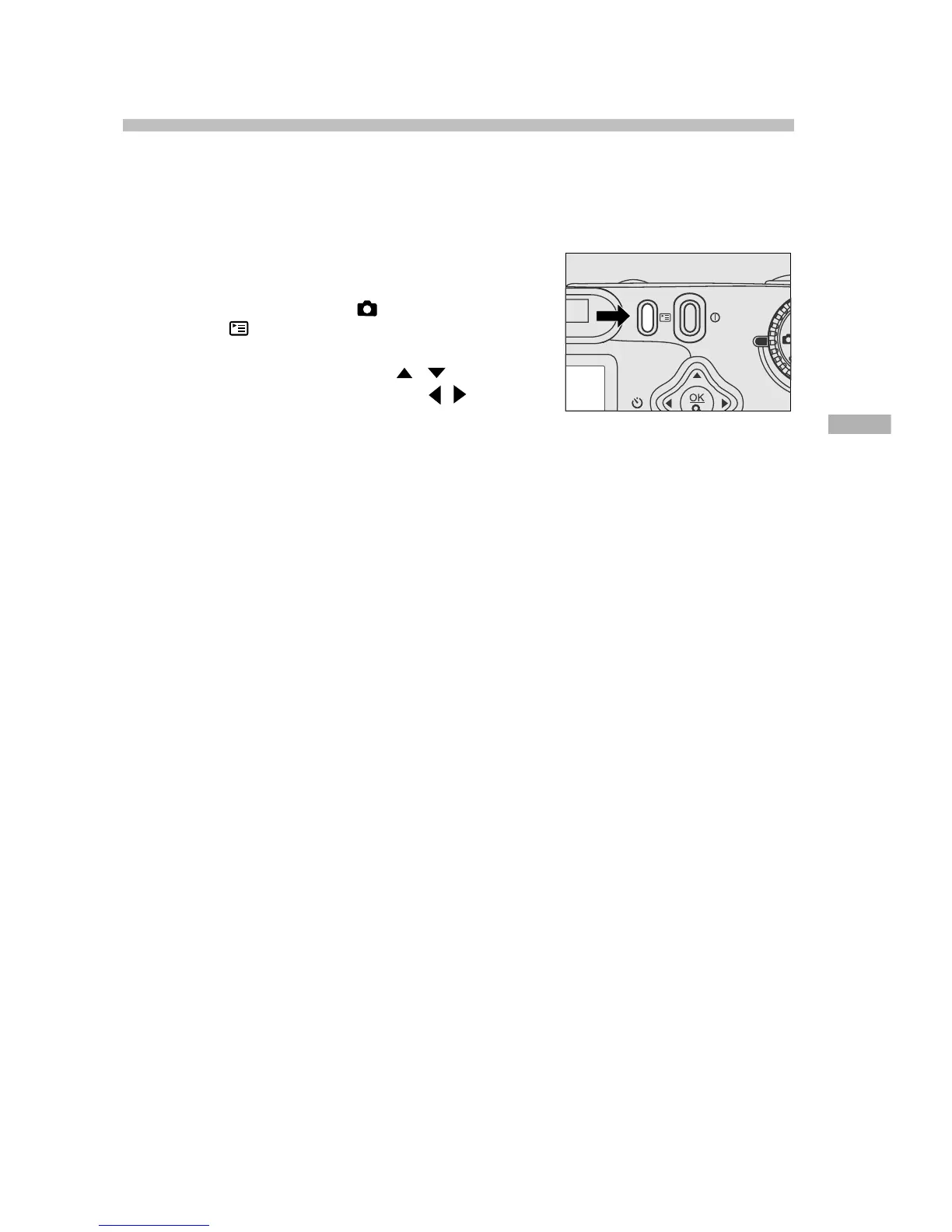
3. Press the button.
4. Move to WHITE BALANCE, EV COMPENSA-
TION or SHARPNESS with the / button.
5. Change the settings by using the / but-
ton and then press the OK button.
6. Compose the picture.
7. Press the shutter button.











 To Next Page