EasyManua.ls Logo

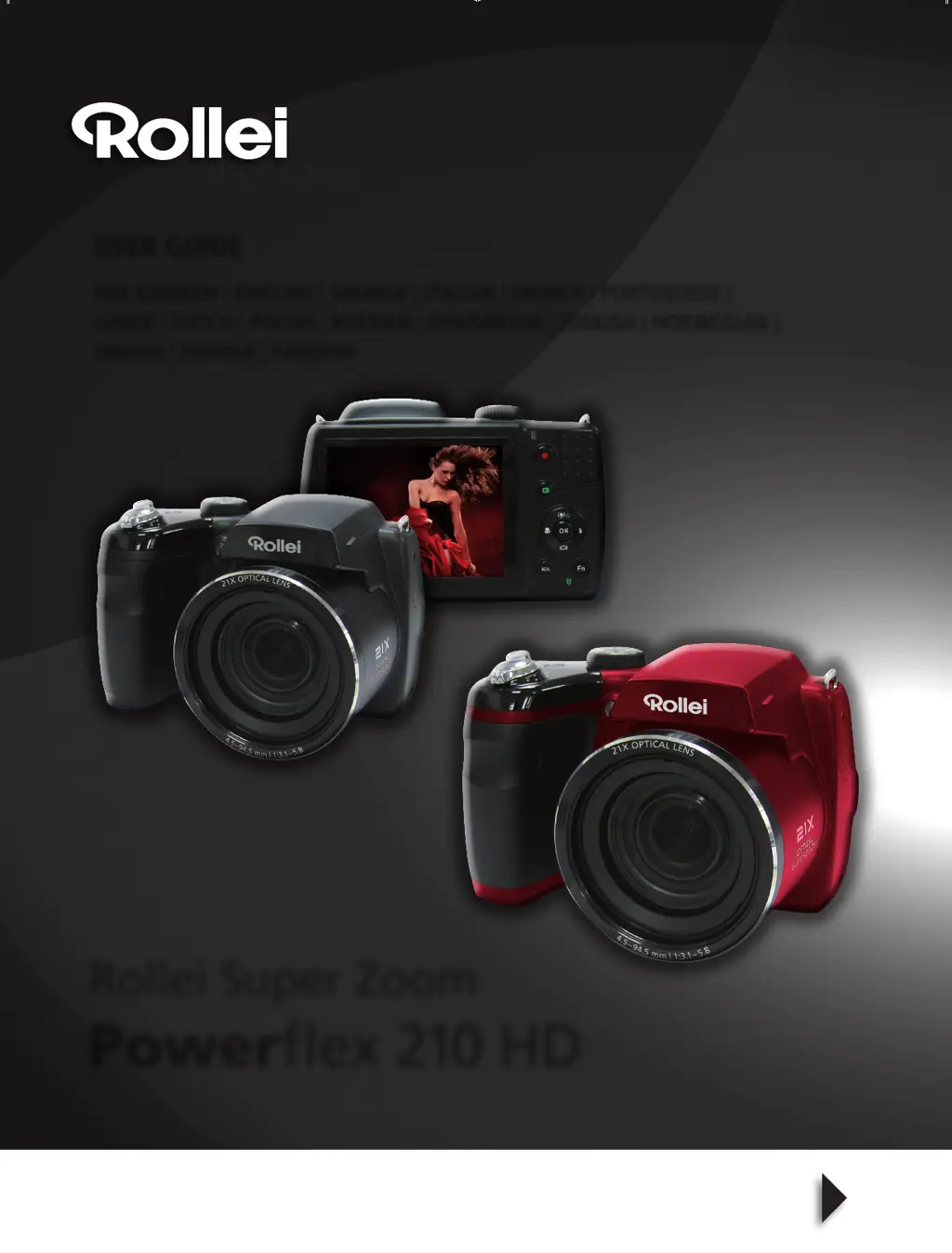
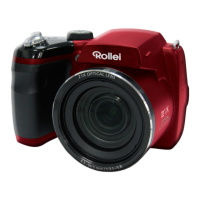
Rollei Powerflex 210 HD - User Manual

Rollei Powerflex 210 HD
66 pages
Print Icon
To Next Page IconTo Next Page
Loading...
User GUide
for German | enGlish | spanish | italian | french | portuGuese |
Greek | Dutch | polish | russian | hunGarian | turkish | norweGian |
Danish | finnish | sweDish
Rollei Super Zoom
Powerflex 210 HD
UG_Rollei_PF210-HD_216x280mm.indd 1 12.08.11 14:32

Questions and Answers

  • T
    Tracy PierceAug 19, 2025
    Why Rollei Powerflex 210 HD displays 'Memory full'?
    • N
      Nicholas CastilloAug 19, 2025
      The 'Memory full' message on your Rollei Digital Camera indicates that the memory card is full. You can either replace it with a new one or delete unnecessary images to free up space.
  • G
    grobbinsAug 20, 2025
    What to do if my Rollei Powerflex 210 HD Digital Camera does not turn on?
    • D
      Diane KellerAug 21, 2025
      If your Rollei Digital Camera doesn't turn on, the batteries may be exhausted. Replace the batteries to resolve this issue.
  • T
    Tina FletcherAug 23, 2025
    Why does my Rollei Digital Camera display 'Card locked'?
    • D
      David LarsonAug 23, 2025
      The 'Card locked' message on your Rollei Digital Camera means the memory card is protected. Remove the card and slide the write-protect switch to its unlock position.
  • C
    Craig BurtonAug 26, 2025
    What to do if my Rollei Digital Camera turns off automatically?
    • K
      Kayla ReeseAug 26, 2025
      If your Rollei Digital Camera turns off automatically, press the Power button to turn it back on.
  • K
    Kathryn CarpenterAug 28, 2025
    What does it mean if my Rollei Powerflex 210 HD Digital Camera displays 'Copy error'?
    • R
      rcoleAug 28, 2025
      The 'Copy error' message on your Rollei Digital Camera can appear because the memory card is protected or full. Remove the card and slide the write-protect switch to its unlock position. Alternatively, replace the card or delete unnecessary files.
  • L
    lindsey64Aug 30, 2025
    How to fix 'Format error' on Rollei Digital Camera?
    • N
      normancolleenAug 30, 2025
      A 'Format error' message on your Rollei Digital Camera indicates that the card may be damaged. You can either change the card or wipe it to clean the connected points.
  • V
    Victoria ReyesSep 1, 2025
    Why does the lens get stuck up on my Rollei Digital Camera?
    • D
      David BeckSep 1, 2025
      If the lens gets stuck up on your Rollei Digital Camera, the battery type may be incorrect, or the battery power level is too low. Change the battery before using the camera.
  • D
    Darrell TaylorSep 4, 2025
    Why Rollei Powerflex 210 HD Digital Camera displays empty battery icon?
    • J
      joseph86Sep 4, 2025
      If your Rollei Digital Camera displays an empty battery icon and then turns off, the batteries are exhausted. Please replace the batteries.
  • L
    lynn61Sep 6, 2025
    What to do if my Rollei Digital Camera LCD turns dark?
    • W
      wellslindseySep 6, 2025
      If the LCD on your Rollei Digital Camera turns dark, press any button except the Power button to turn on the LCD.
  • R
    Rodney PruittSep 8, 2025
    Why no image displays on TV screen from Rollei Powerflex 210 HD Digital Camera?
    • C
      Cynthia GreenSep 8, 2025
      If no image displays on the TV screen when connected to your Rollei Digital Camera, an incorrect TV-out type was selected. Set the correct TV-out type to match your TV system.

Rollei Powerflex 210 HD Specifications

General IconGeneral
BrandRollei
ModelPowerflex 210 HD
CategoryDigital Camera
LanguageEnglish

Related product manuals