Need help?
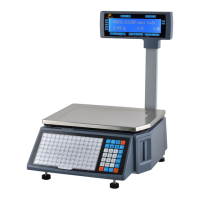
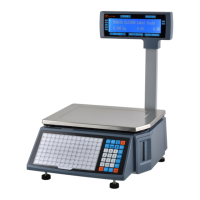
Do you have a question about the Rongta Technology RLS1100D and is the answer not in the manual?
Details the maximum and minimum weighing capacities and accuracy for different models.
Provides step-by-step instructions for physically setting up the scale and its components.
Step-by-step guide to loading the thermal label paper into the printer.
Details multiple methods for weighing items and generating price labels.
Addresses issues like the scale not responding, no sound/display, or displaying "Update".
Troubleshoots problems with blank labels, half labels, and paper orientation.
Addresses inaccurate weighing, zero point instability, and communication failures.
Guides on resolving display issues and interpreting various error codes for troubleshooting.
 General
| Brand | Rongta Technology |
|---|---|
| Model | RLS1100D |
| Category | Scales |
| Language | English |


 To Next Page