Roomie Remote Version 3 Quick Start Guide
Copyright © 2014 Roomie Remote, Inc. 16 roomieremote.com
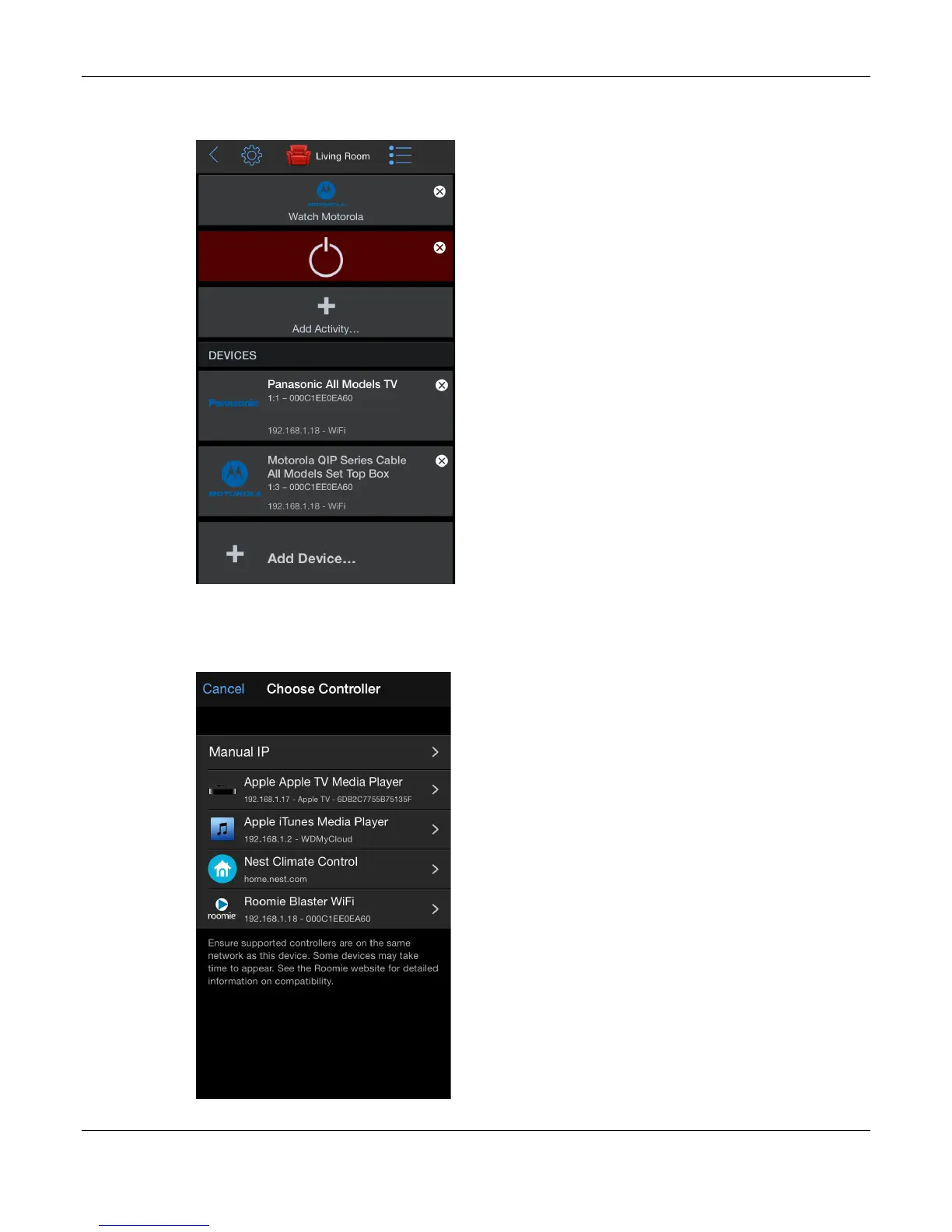
The Living Room screen appears, still in Edit mode, now showing two configured devices
and the Watch Motorola Activity.
28. Tap Add Device.
The final device we are going to add is the Apple TV.
The Choose Controller screen appears.
29. Tap Apple TV Media Player.



 To Next Page