Roomie Remote Version 3 Quick Start Guide
Copyright © 2014 Roomie Remote, Inc. 19 roomieremote.com
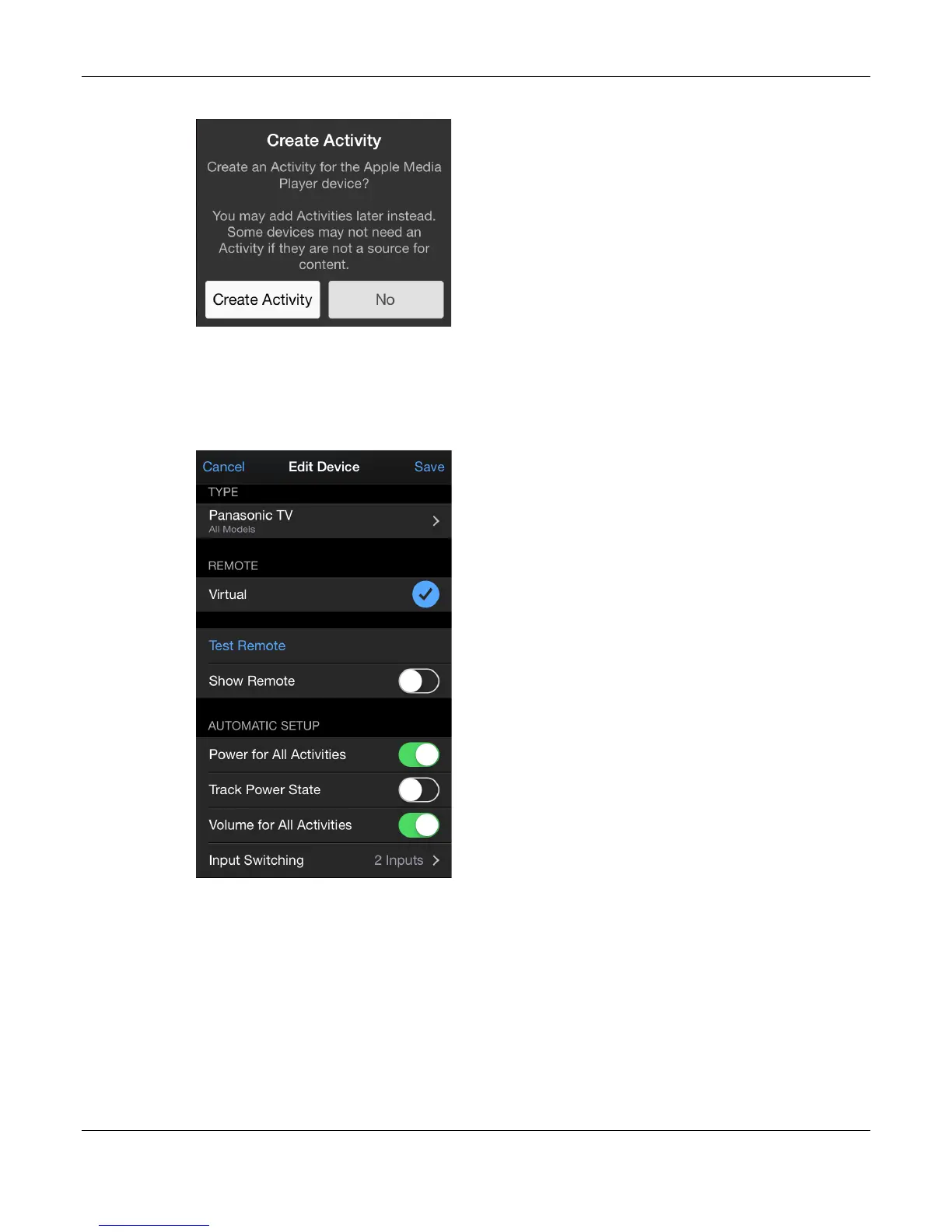
The Create Activity popup appears.
37. Tap Create Activity.
The Living Room screen appears, in Edit mode.
38. Locate the Devices section, then tap Panasonic All Models TV.
The Edit Device screen for the Panasonic TV appears.
39. Tap Input Switching.
Input switching is required when you have two or more devices providing input to one
other device. It tells the device receiving the inputs which input to use for which activity.
For example, in our demonstration we have a Motorola STB and an Apple TV providing
input to a Panasonic TV. We need to make it clear to the Panasonic TV which input to use
for which activity.
The hardware configuration is: the input from the Motorola STB to the Panasonic TV is
being received on the Antenna port and the input from the Apple TV to the Panasonic TV
is being received on the HDMI 2 port.


 To Next Page
 Loading...