Roomie Remote Version 3 Quick Start Guide
Copyright © 2014 Roomie Remote, Inc. 20 roomieremote.com
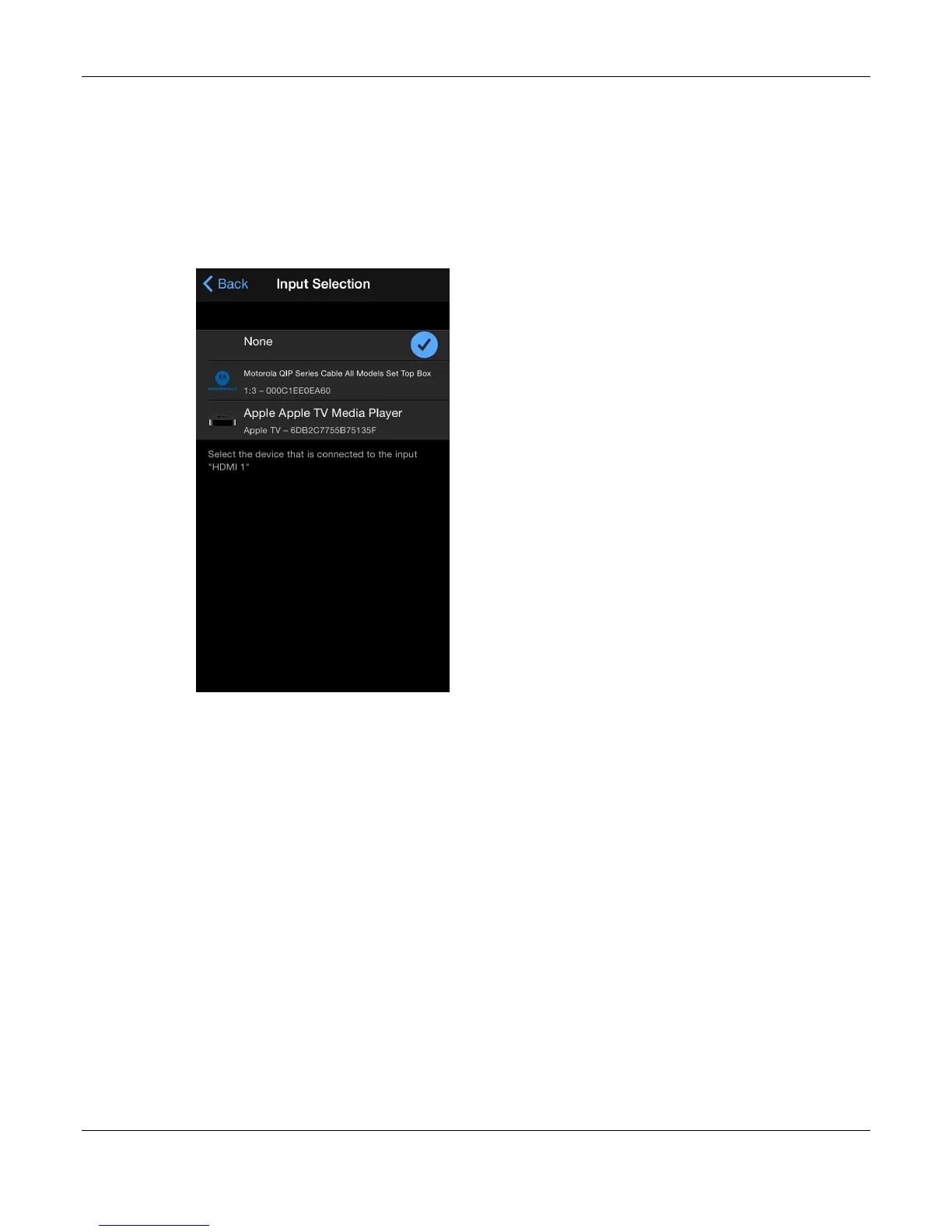
On the Input Switching screen, set the Antenna port to Motorola Set Top Box and the
HDMI 2 port to Apple Media Player.
This way, when we select the Watch Motorola activity, the Antenna input is used and
when we select Watch Apple TV, the HDMI 2 input is used.
The Input Switching screen appears.
40. Tap Antenna.
The Input Selection screen appears.
41. Tap Motorola QIP Series Set Top Box.



 To Next Page