Roomie Remote Version 3 Quick Start Guide
Copyright © 2014 Roomie Remote, Inc. 21 roomieremote.com
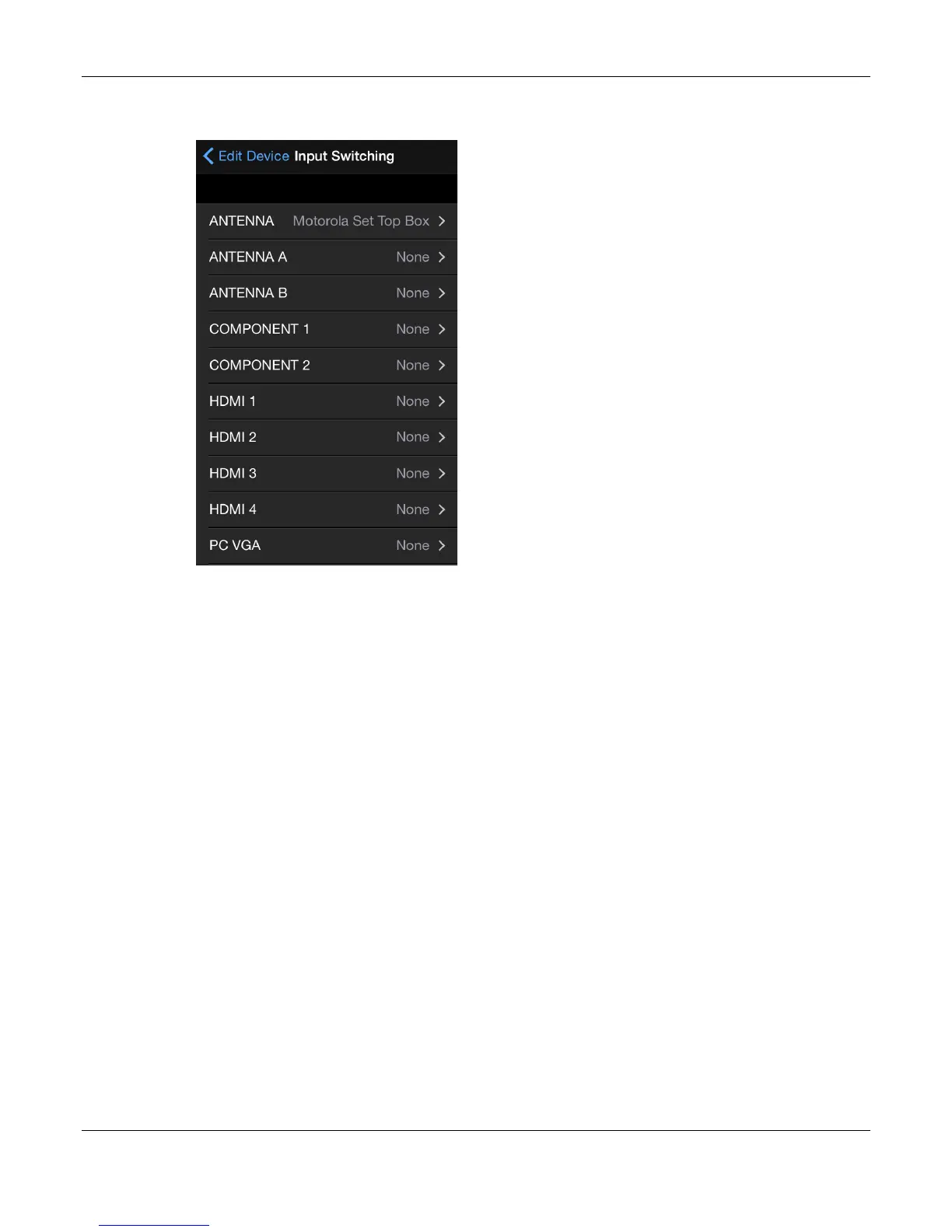
The Input Switching screen appears, now showing the Motorola Set Top Box assigned to
the Antenna input.
42. Tap HDMI 2.
The Input Selection screen appears.
43. Tap Apple Media Player.



 To Next Page