Roomie Remote Version 3 Quick Start Guide
Copyright © 2014 Roomie Remote, Inc. 22 roomieremote.com
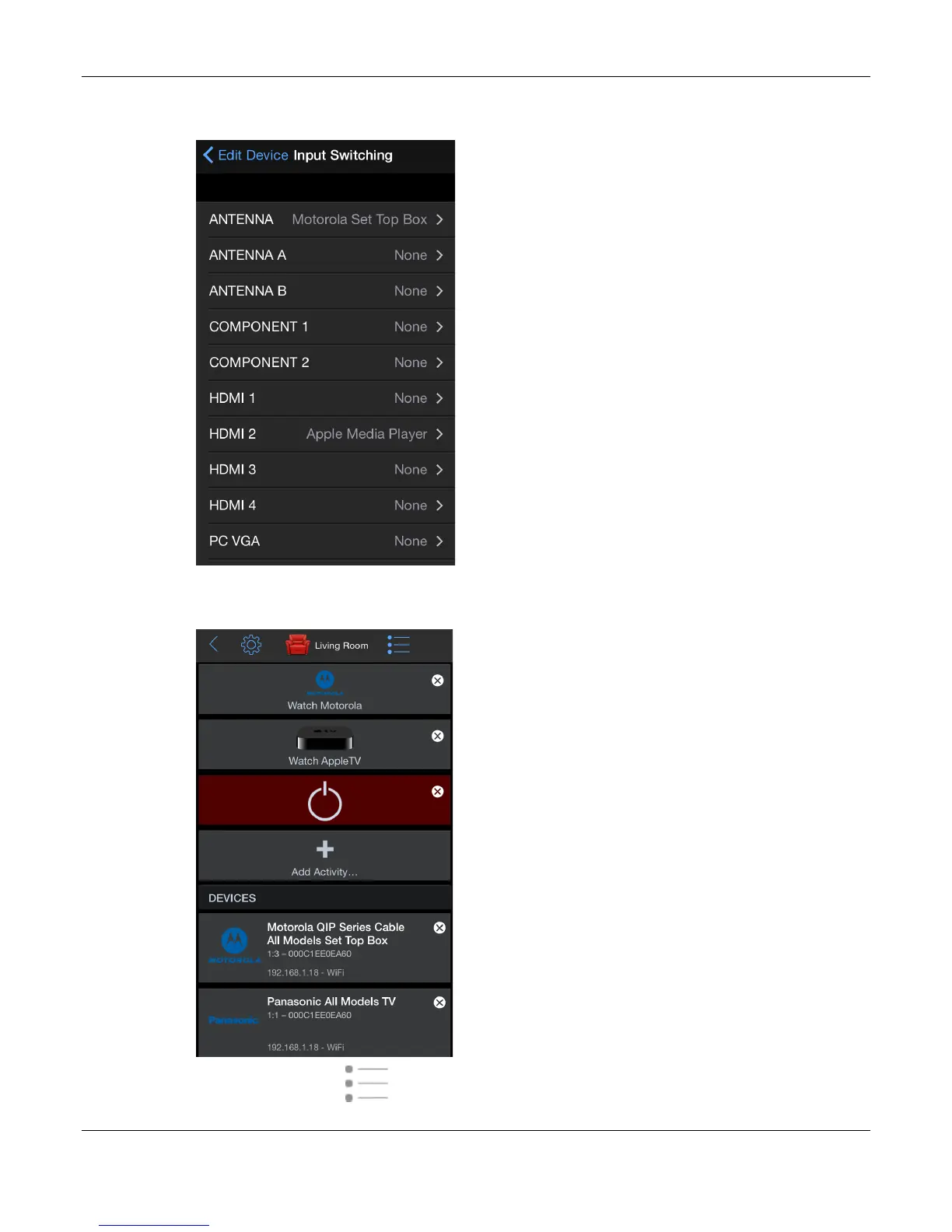
The Input Switching screen appears, now showing both devices assigned to the correct
inputs.
44. Tap Edit Device, then tap Save when the Edit Device screen appears.
The Living Room screen appears, in Edit mode.
45. Tap the Mode icon ( ) to switch to User mode.



 To Next Page