Roomie Remote Version 3 Quick Start Guide
Copyright © 2014 Roomie Remote, Inc. 4 roomieremote.com
To configure a room with Roomie Remote:
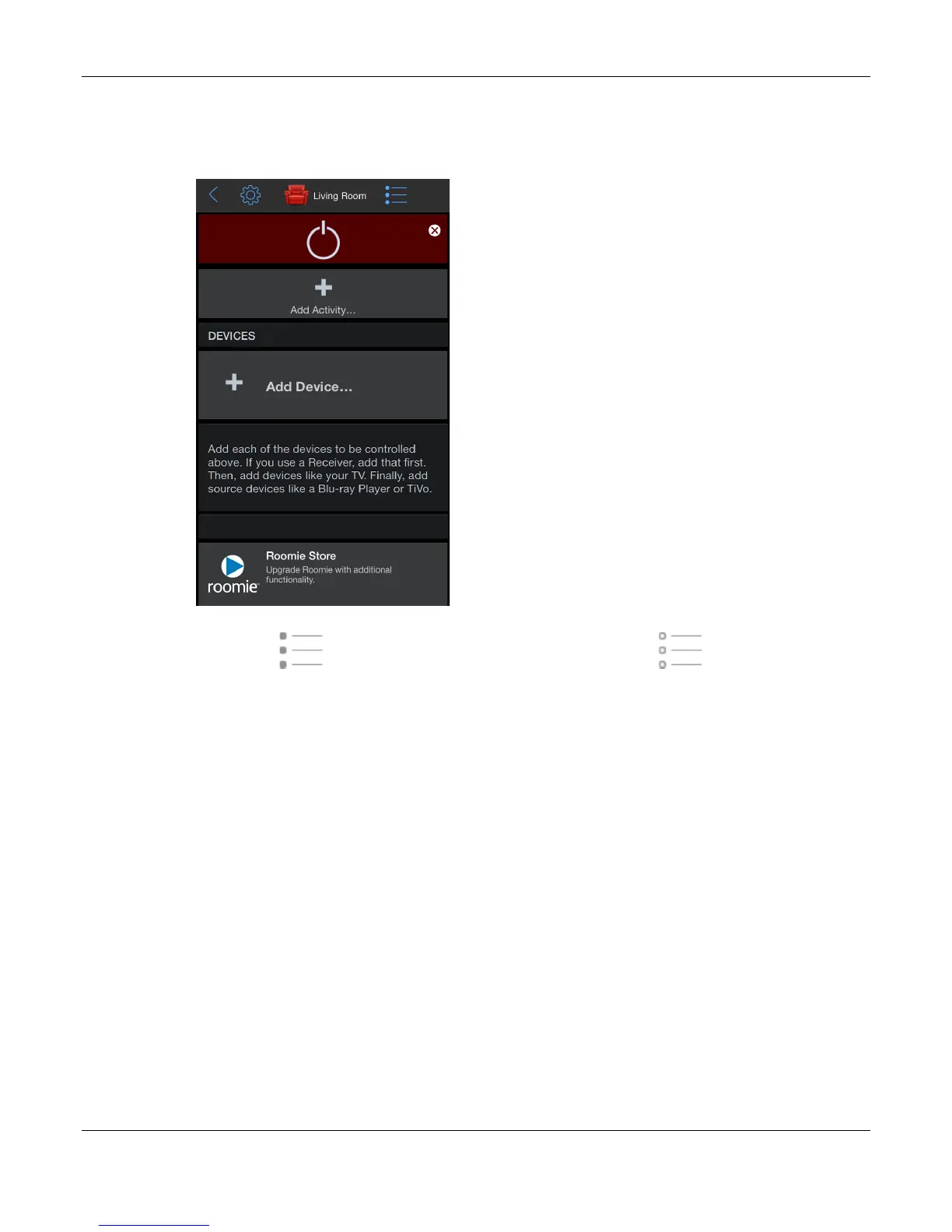
1. Tap Living Room on the Roomie Remote screen.
The Living Room screen opens in Edit mode.
Edit mode ( ) means you can modify settings. User mode ( ) means you can use
the feature. Tap the Mode icon to switch from one mode to the other.
2. Tap Add Device.
The first device we will be adding is the Panasonic TV.



 To Next Page