Roomie Remote Version 3 Quick Start Guide
Copyright © 2014 Roomie Remote, Inc. 5 roomieremote.com
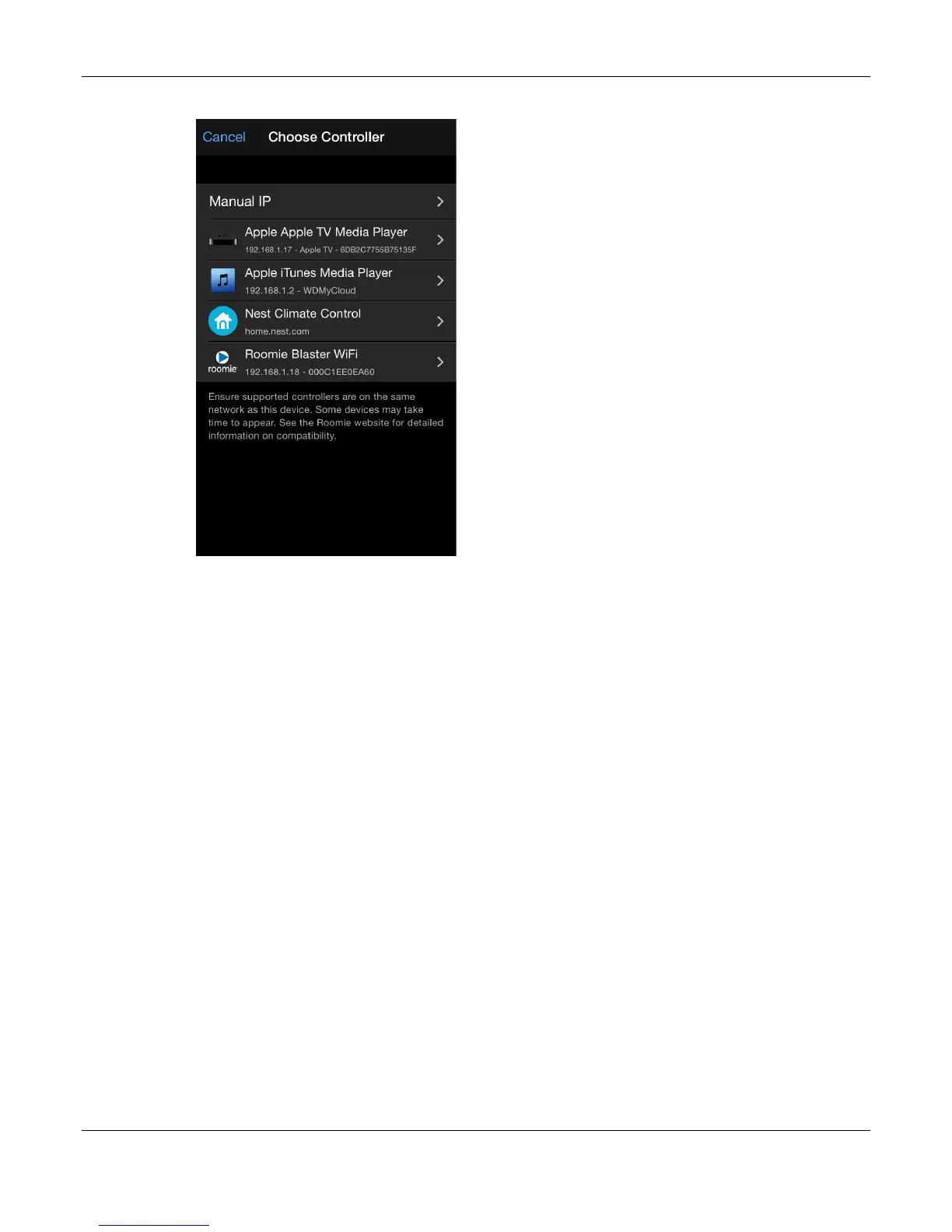
The Choose Controller screen appears.
3. Tap Roomie Blaster Wi-Fi.
When a device is connecting directly to your network (network controlled), it displays on
the Choose Controller screen with its own name; like Apple TV Media Player in the image
above.
When a device is connecting to your network via a Roomie Blaster Adapter (infrared or
serial controlled), select the appropriate Roomie Blaster Adapter on the Choose Controller
screen (such as Roomie Blaster Wi-Fi in the image above).
Be sure to always choose the correct Roomie Blaster Adapter (the IP address and MAC
address are always unique); some locations may have two, three, or more Roomie Blaster
Adapters on the network.


 To Next Page
 Loading...