Roomie Remote Version 3 Quick Start Guide
Copyright © 2014 Roomie Remote, Inc. 6 roomieremote.com
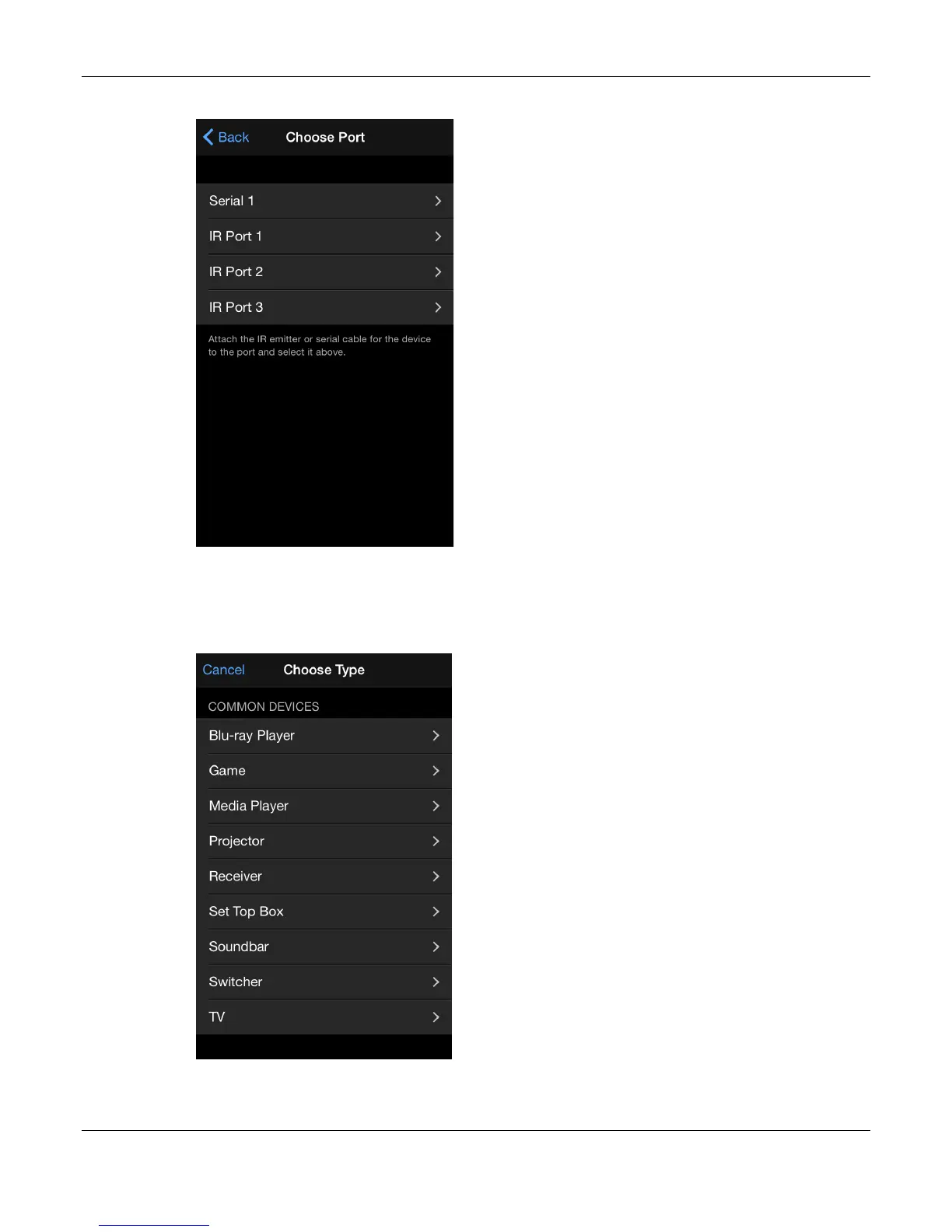
The Choose Port screen appears.
4. Tap IR Port 1.
The television is being controlled via Emitter 1 (white band) of the Roomie Dual Emitter
Blaster Cable, which corresponds to IR Port 1 on the Choose Port screen.
The Choose Type screen appears.
5. Tap TV.
The Choose Brand screen appears.



 To Next Page