EasyManua.ls Logo

Roscoe Medical INTENSITY 10 - User Manual

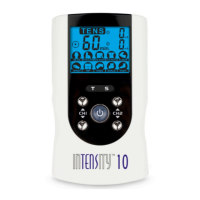
Roscoe Medical INTENSITY 10
72 pages
Print Icon
To Next Page IconTo Next Page
Loading...
1
Instruction Manual

Table of Contents

Questions and Answers

  • B
    Bradley FigueroaJul 31, 2025
    Why is stimulation uncomfortable with Roscoe Medical Equipment?
    • J
      Jacob SmithAug 1, 2025
      If you experience discomfort during stimulation with your Roscoe Medical Equipment, it might be due to several reasons: * The intensity might be too high. Try decreasing the intensity. * The electrodes may be too close together. Reposition them for better comfort. * Damaged or worn electrodes or lead wires can cause discomfort. Replace them immediately. * The active area size of the electrode may be too small. Replace electrodes with ones that have an active area no less than 16.0 cm2 (4cm*4cm). * Ensure you are operating the device according to the manual. Please check it before use.
  • P
    Patricia GreerAug 4, 2025
    How to fix Roscoe Medical Equipment when display fails to light up?
    • S
      steven88Aug 4, 2025
      If the display of your Roscoe Medical Equipment fails to light up, it could be due to: 1. Battery contact failure. Try using fresh batteries. 2. Incorrect battery insertion. Ensure the batteries are inserted correctly and that all contacts are in place and not broken.
  • C
    Christopher BanksAug 9, 2025
    What to do if output current stops during Roscoe Medical Equipment therapy?
    • C
      Christian MurphyAug 9, 2025
      If the output current stops during therapy with your Roscoe Medical Equipment, it could be due to: * The electrode pads coming off the skin. Turn off the device and stick the electrode pad firmly to the skin. * The cable being disconnected. Turn off the device and connect the cable. * The power of the batteries has been exhausted. Replace them with new batteries.
  • K
    Kelly GriffithAug 13, 2025
    Why is stimulation weak with Roscoe Medical Equipment?
    • S
      smithtimothyAug 13, 2025
      If you experience weak stimulation or cannot feel any stimulation with your Roscoe Medical Equipment, consider the following: * The electrodes may be dried out or contaminated, or improperly placed. Replace and reconnect them. * The lead wires may be old, worn, or damaged. Replace them.
  • R
    Richard HeathAug 17, 2025
    How to troubleshoot intermittent output on Roscoe Medical Equipment?
    • D
      Devin RobinsonAug 17, 2025
      If you are experiencing intermittent output with your Roscoe Medical Equipment, consider the following: 1. Verify the lead wire connection is secure and firmly seated. 2. Turn down the intensity and rotate the lead wires in the socket 90°. If the output is still intermittent, replace the lead wire. 3. Some programs will seem intermittent. This is expected. Refer to the program Option Controls in the Operation section for a description of the program option.
  • L
    Lisa JohnsonAug 22, 2025
    What to do if Roscoe Medical Equipment causes skin redness or stabbing pain?
    • B
      Bradley LeeAug 22, 2025
      If your skin becomes red and/or you feel a stabbing pain when using Roscoe Medical Equipment, it might be due to: * Using the electrodes on the same site every time. Reposition the electrodes and if you feel pain or discomfort, stop use immediately. * The electrodes not sticking onto the skin properly. Ensure the electrode is stuck securely on the skin. * The electrodes being dirty. Clean the electrode pads with a damp, lint-free cloth or replace them. Clean the electrode belt according to the instructions in the user manual. * The surface of the electrode being scratched. Replace with new electrodes.
  • T
    Timothy MarquezAug 27, 2025
    What causes ineffective stimulation with Roscoe Medical Equipment?
    • L
      Lauren DiazAug 27, 2025
      If the stimulation is ineffective with your Roscoe Medical Equipment, reposition the electrode and applicator. Contact clinician.

Summary

Safety Standards Compliance

Safety Information and Precautions

General Device Description

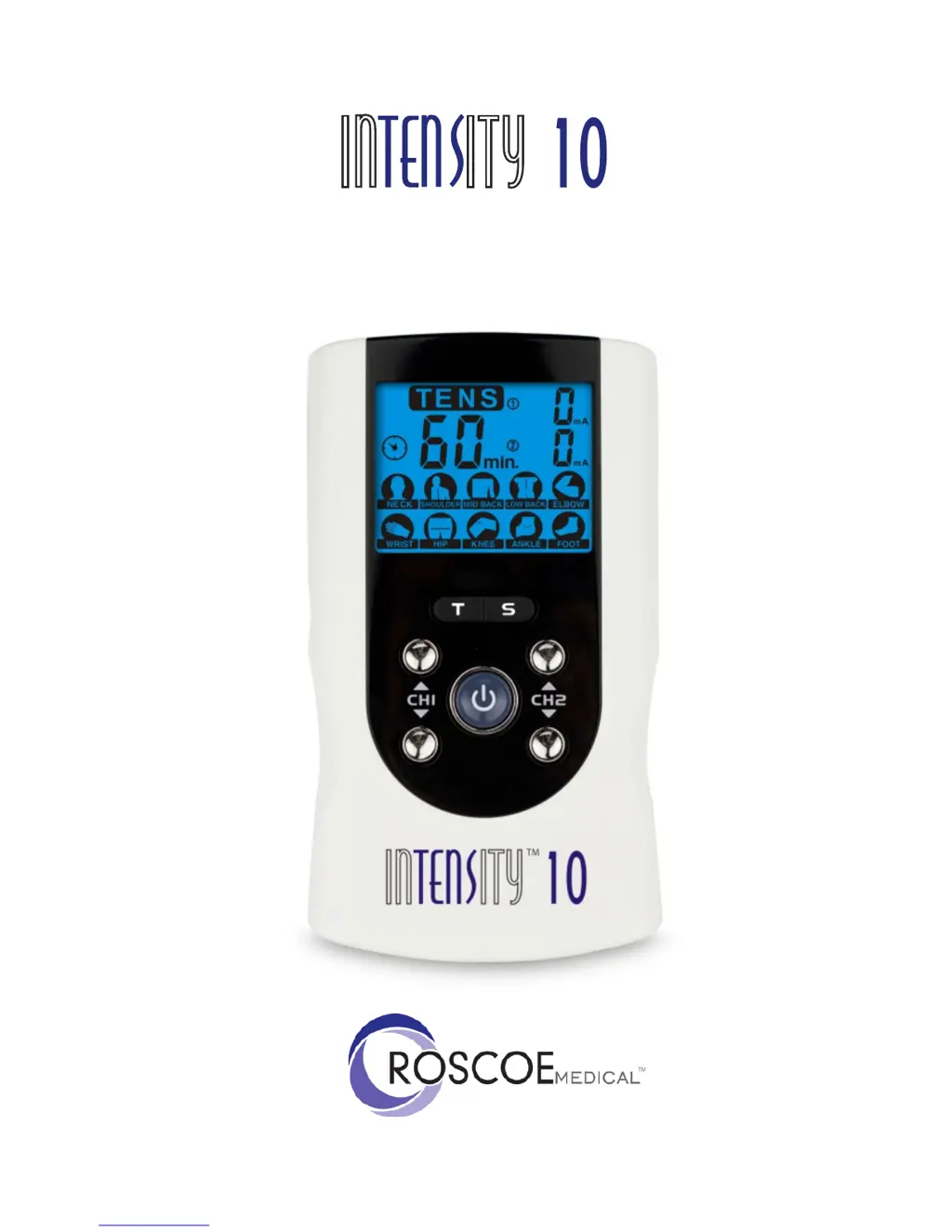
Overview of the InTENSityTM 10 TENS stimulator for pain relief.

Understanding Pain and TENS

Explanation of pain perception and how TENS therapy works.

Indications for TENS Use

Specifies the types of pain the InTENSityTM 10 TENS Stimulator is intended for.

Contraindications for Use

Lists conditions and situations where the device should not be used.

Important Warnings and Cautions

Crucial safety warnings, cautions, and potential adverse reactions associated with the device.

Device Presentation and Components

Front and Rear Panel Overview

Identification and description of device controls and ports.

LCD Display Functionality

Explanation of icons and information shown on the device's LCD screen.

Device Specifications and Accessories

Included Accessories List

List of items included with the InTENSityTM 10 TENS Stimulator.

Technical Specifications

Details on power supply, operating conditions, dimensions, and tolerance.

Waveform Stimulation Programs

Description and illustration of different stimulation waveforms used by the device.

Operating Instructions and Setup

Battery Installation and Disposal

Instructions for checking, replacing, and disposing of the device's battery.

Connecting Electrodes to Lead Wires

Procedure for connecting lead wires to the adhesive electrodes.

Connecting Lead Wires to Device

Instructions for connecting lead wires to the main unit.

Electrode Placement and Usage

Guidance on applying electrodes correctly to the skin for effective treatment.

Turning the Device On

Steps to power on the InTENSityTM 10 TENS Stimulator.

Selecting Therapeutic Programs

How to choose the appropriate pre-set stimulation program.

Adjusting Intensity Levels

Procedure for setting and adjusting the stimulation intensity.

Using the Safety Lock Feature

Explanation of the safety lock function to prevent accidental changes.

Turning the Device Off

Instructions for powering down the InTENSityTM 10 TENS Stimulator.

Low Battery Indicator

Information on the low battery symbol and when to replace the battery.

Therapeutic Program Details

Cleaning and Care Instructions

Skin Care Tips for Electrode Use

Suggestions to avoid skin irritation when using electrodes.

Cleaning the Device

How to clean the main unit of the TENS stimulator.

Electrode Care and Usage

Guidelines for using, cleaning, and maintaining adhesive electrodes.

Cleaning Electrode Cords

Instructions for cleaning the lead wires for electrodes.

Device Maintenance and Repairs

Information on device maintenance, repairs, and warranty.

Troubleshooting Common Issues

Storage Guidelines

Disposal Information

Electromagnetic Compatibility (EMC) Information

Glossary of Symbols

Warranty Terms and Conditions

Roscoe Medical INTENSITY 10 Specifications

General IconGeneral
BrandRoscoe Medical
ModelINTENSITY 10
CategoryMedical Equipment
LanguageEnglish

Related product manuals