2
+
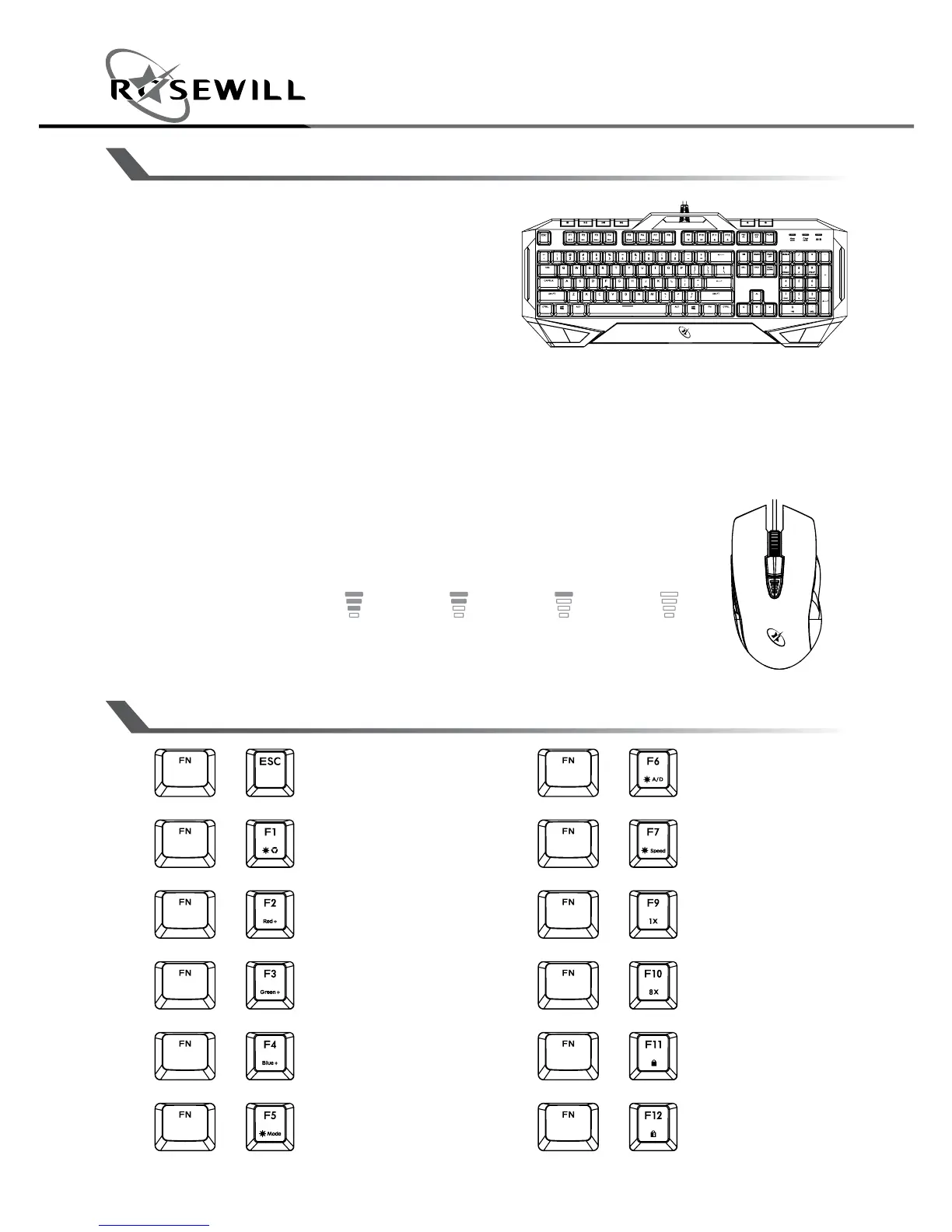
On / Off Backlight
Press and Hold over 10
seconds = Reset all to default
+
Quick Pick Color
+
Red Color Levels
(0-5)
+
Green Color Levels
(0-5)
+
Blue Color Levels
(0-5)
+
LED Lighting Mode
+
Lighting Zones and
Direction
+
Lighting Speed Adjust
+
Normal Mode (1X)
+
Turbo Mode (8X)
+
Full Key Lock
+
Windows Lock
PRODUCT FEATURES
FUNCTION KEY
Keyboard
• Mem-chanical switches with
satisfying tactile feedback
• Zoned rgb backlighting
system with multiple lighting
effects
• 6 Dedicated media hotkeys
• 26-Key anti-ghosting - ensures each key press is correctly
detected
• Repeat rate can be changed quickly
• Compatible with cherry mx custom keycaps
Mouse
• Precise Avago 3050 optical sensor
• 5 pre-set DPI controls with indication:
500 (off) / 1000
/ 2000
/ 3000 / 4000
• 7 color backlights illumination
• Durable 10 million click life span


 To Next Page