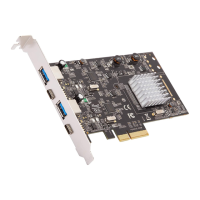
GETTING STARTED
2.1 Hardware Installation
1. Turn off the power to your computer.
2. Unplug the power cord and remove your computer’s cover.
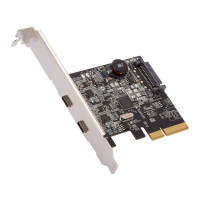
3. Remove the slot bracket from an available PCI Express slot (x4 x8, or
x16) .
4. To install the card, carefully align the card’s bus connector with the
selected PCIe slot on the motherboard. Push the board down rmly.
5. Replace the slot bracket’s holding screw to secure the card.
6. Secure the computer cover and reconnect the power cord.
2.2 Driver Installation
1. Drivers are embedded into Windows 8.x/10 and macOS; the drivers can
be installed automatically.
RC-20003_A
Technical Support Information techsupport@rosewill.com 1-800-575-9885
Please register your product at www.rosewill.com for complete warranty information and support for your product.


 To Previous Page