SERVER ACCESORY RSV-Cage User Manual
3
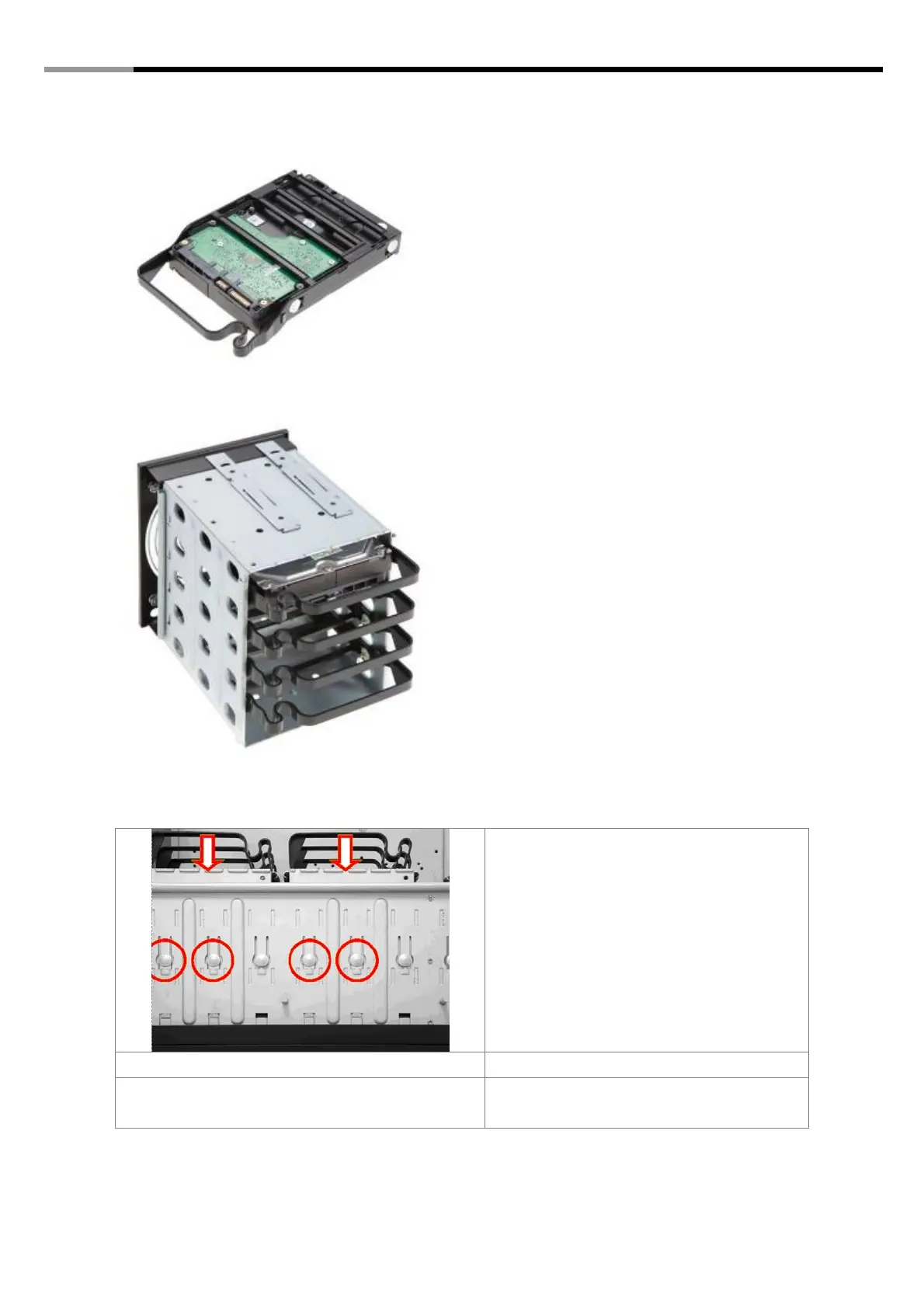
4. The HDD tray can be easily clipped onto
3.5” HDD.
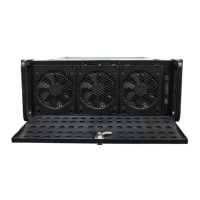
5. To complete the 3.5”HDD installation,
push the HDD tray back into the module,
then push the module back to the chassis.
Adding the RSV-Cage
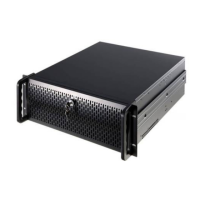
1. First press the two round shape button
using your thumbs, then use your index
finger to push the middle 3.5” module to
remove it.
2. Pull the middle module out from the front
panel



 To Next Page