SERVER ACCESORY RSV-Cage User Manual
5
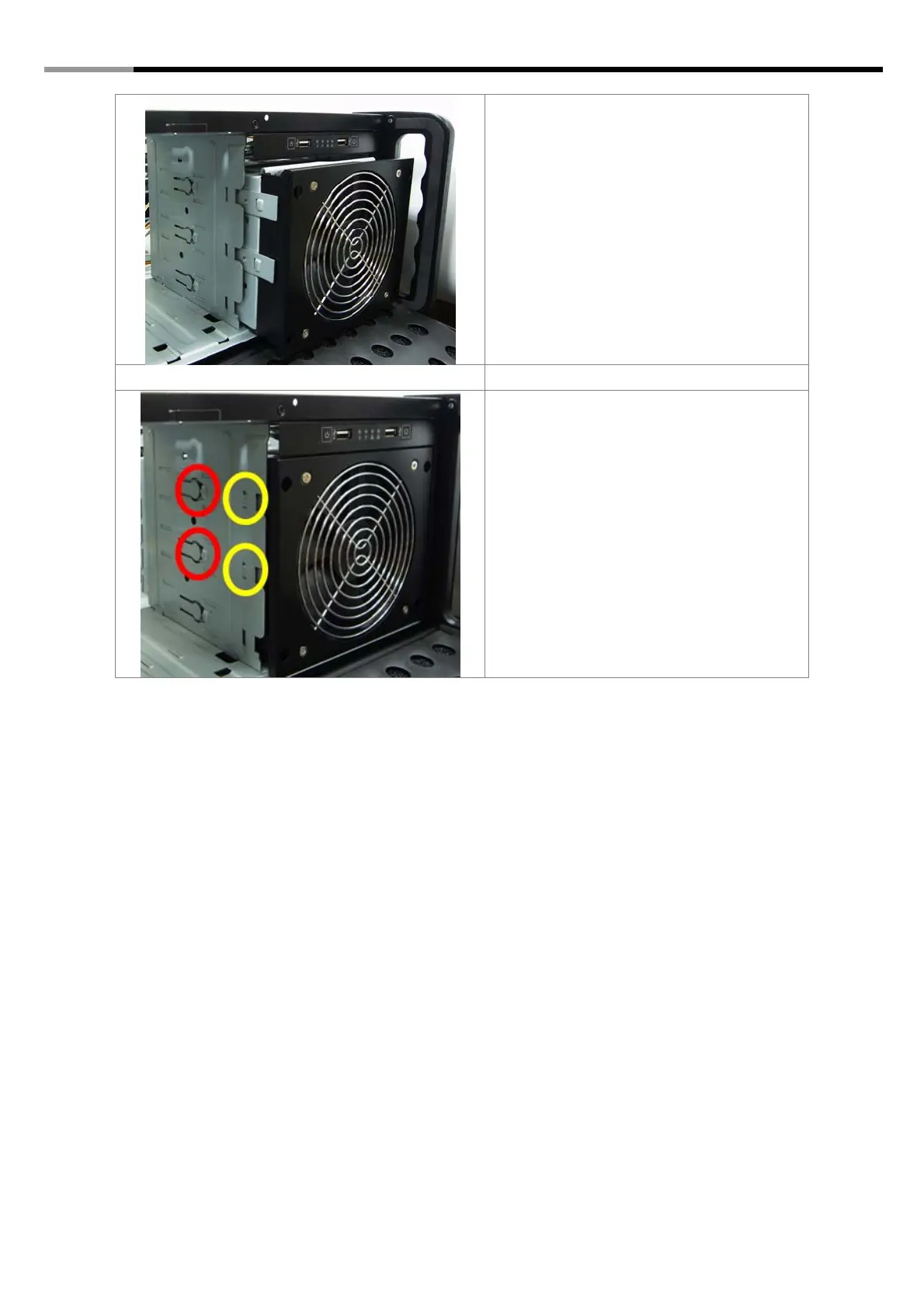
5. When the rail matches, please push the
cage slowly into the ODD tray.
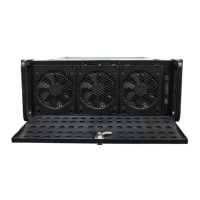
6. You will see that the Cage Rails fit right
into the ODD tray’s hole in the yellow
circles.
This completes the installation of the HDD
cage.
7. To remove the HDD Cage, you will need
to push the two buttons (red circles) and
push from behind to slide out the HDD
cage.
Thank you for purchasing a quality Rosewill Product.
Please register your product at: www.rosewill.com for complete warranty information and future support for
your product.



 To Previous Page