Brushing with Rotadent Contour
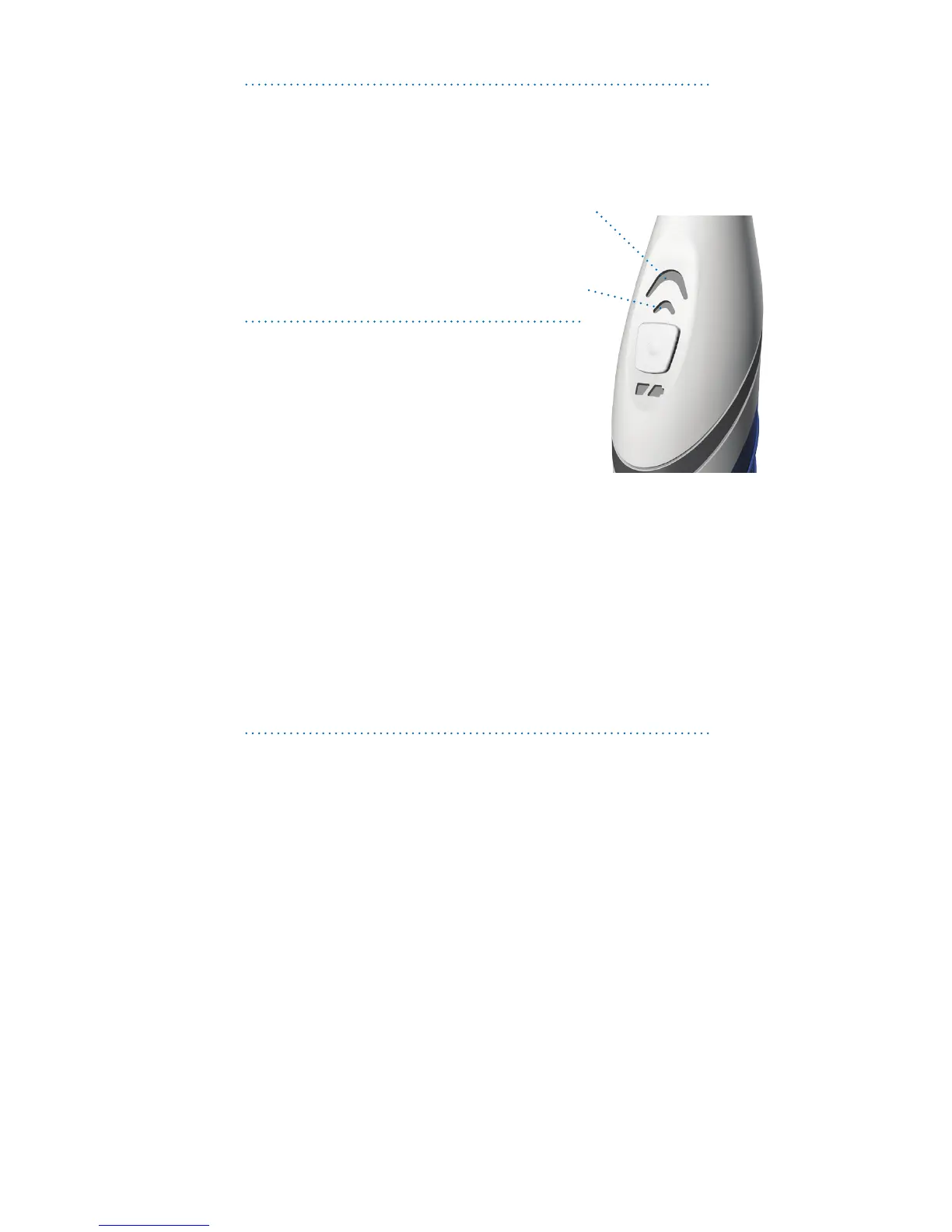
Brushing Modes
RotadentContouroerstwodierent
brushingmodes:
Clean–Recommendedforsuperior
teethcleaningandnormal
use
Gentle–Recommendedforcleaning
sensitivegumsandteeth
Changing Speeds
•Whenpressingthepower
button, your brush automatically
starts in Clean mode.
•Toswitchtoadierentmode,press
thepowerbuttonasecondtimeto
reach Gentle mode.
•Toturnyourbrusho,pressthepowerbutton.Ifthe
RotadentContourhasbeenrunninginanyspeed
formorethan30seconds,thenextpressofthe
buttonwillturntheunito.Ifithasrunlessthan
30seconds,thenextpressofthepowerbuttonwill
changetothenextspeed.
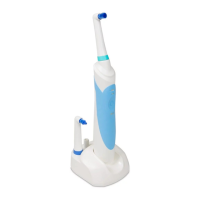
•RotadentContourmayalsobeturnedobyplacing
thebrushinthechargingbase.
Quad-timer
•RotadentContourfeaturesthetwo-minute
quad-timertoassistyouinreachingthe
recommendedtwo-minutesofbrushing.
•Thequad-timerhelpsyoubrushevenlyandthoroughly
withapauseat30,60,90and120secondintervals.
•Thebrushwillrunforanadditional30secondsafter
thefourthpulsetoallowyoutoreturntoareasthat
mayhavebeenmissed.
•After2minutes,30seconds(150seconds),thebrush
willshuto,indicatingthatyouhavereachedthefull
brushingcycle.
5


 To Next Page