7
Display Cabinet vertiCal
P/N 1011068 Rev. D 08/10
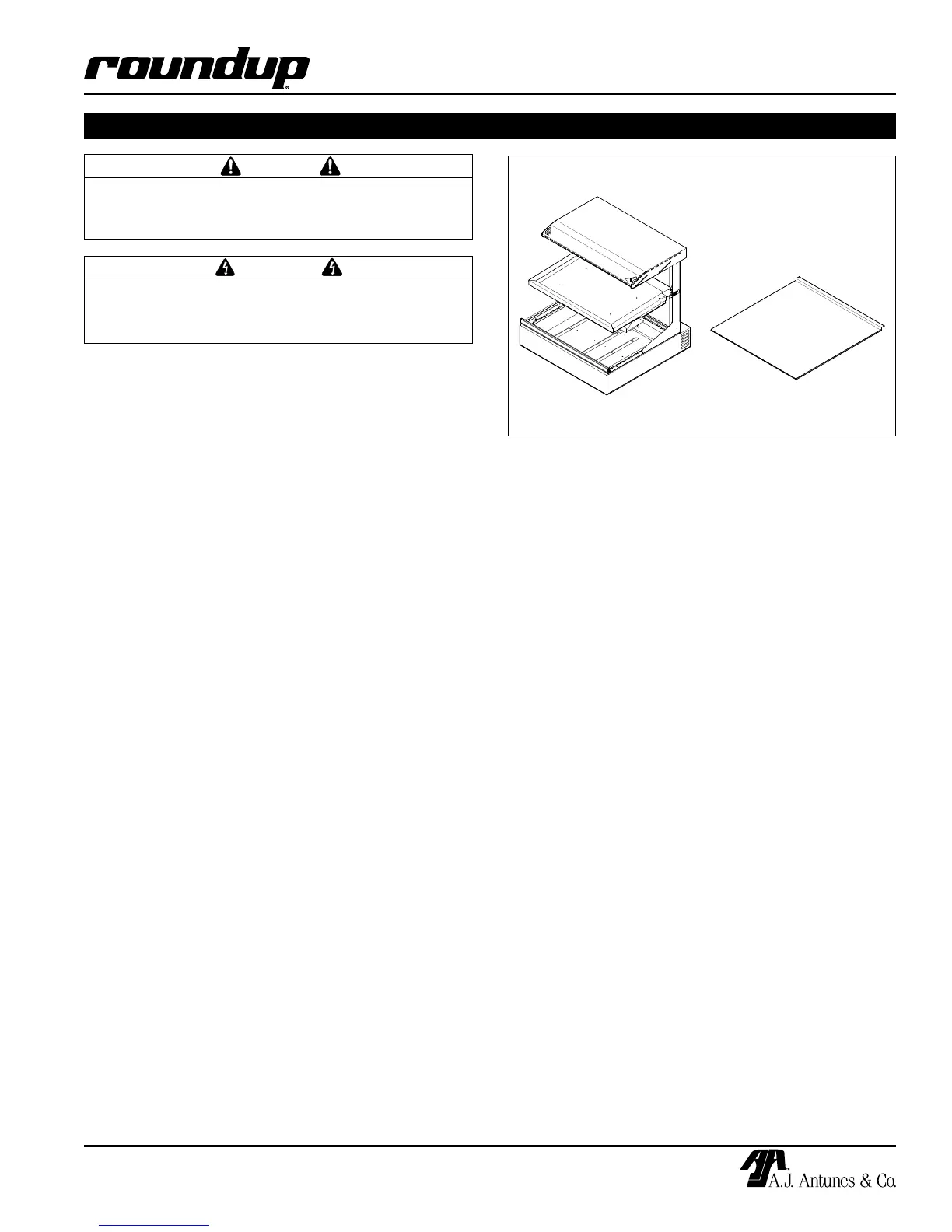
Figure 1. DCV-200 and Crumb Tray
Unpacking
1. Remove unit and all packing materials from
shipping carton.
2. Open the large box. Remove all packing materi-
als and protective coverings from the unit and
parts.
NOTE: If any parts are missing, contact A.J
Antunes & Co. IMMEDIATELY at 1-877-392-7854 in
the U.S., or 630-784-1000 outside the U.S.
3. Wash the Crumb Tray (Figure 1) in soap and
water. Wipe all surfaces of the unit with a hot
damp cloth.
NOTE: Do NOT use a dripping wet cloth. Wring out
before use.
4. Allow Crumb Tray to dry.
Equipment Setup
When placing the unit into service, pay attention to the
following guidelines:
• Makesurepowertotheunitisoffandtheunitis
at room temperature.
• DoNOTblockorcoveranyopeningsontheunit.
• DoNOTimmersecordorpluginwater.
• Keepcordawayfromheatedsurfaces.
• DoNOTallowcordtohangoveredgeoftableor
counter.
• Placeunitonasturdy,leveltableorworksur-
face.
• Ensurethatthelinevoltagecorrespondstothe
stated voltage on the unit specification label
located at the end of the power cord.
• Turnthepowerswitchoffbeforeconnectingthe
unit to the power supply.
INSTALLATION
CAUTION
All electrical connections must be in accordance
with local electrical codes and any other appli-
cable codes.
WARNING
Be sure to follow all of the warnings and precau-
tions listed in the Important Safety Information
section of this manual.


 To Next Page