Battery
150
Battery
BATTERY MAINTENANCE
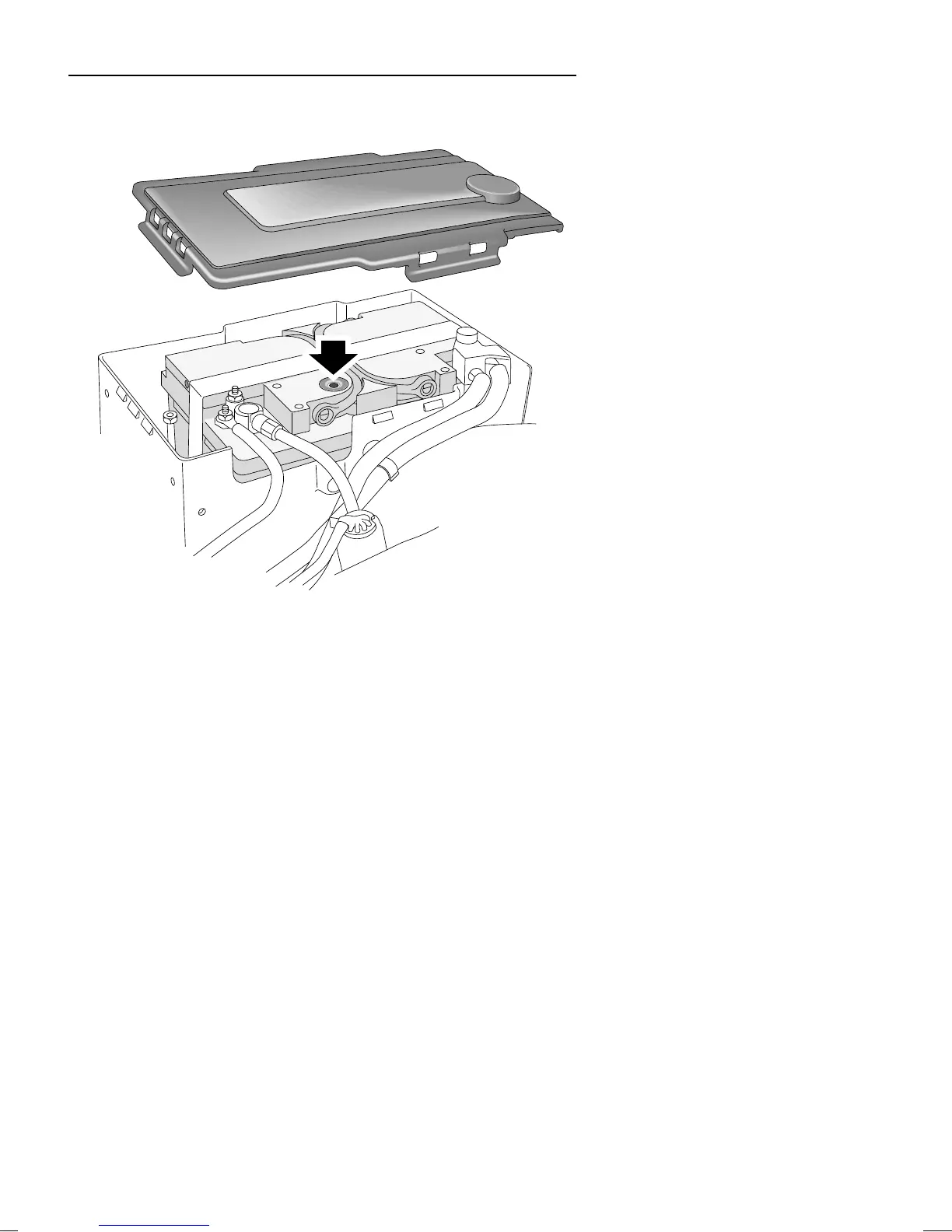
To access the battery, unclip and remove the battery cover as
shown in illustration.
Operating tip: If necessary, clean
the top of the battery to ensure a
clear view of the condition
indicator. Use a torch if natural
light is poor.
The battery is designed to be maintenance free, so topping-up
is unnecessary. On the top of the battery there is a battery
condition indicator (arrowed in illustration). Examine the
indicator periodically to check the battery’s condition. When
the indicator shows:
•
GREEN - the battery is in a good state of charge.
•
DARK (turning to black) - the battery needs charging.
Operating tip: If the indicator
shows clear or yellow, tap the
indicator with a screwdriver to
disperse any air bubbles - if the
indicator colour is unchanged,
the battery must be replaced.
•
CLEAR (or light yellow) - the battery must be replaced.
Do not charge the battery or jump start the car with the
battery in this condition.
H2743



 To Next Page