Instruments
74
TRIP RECORDER
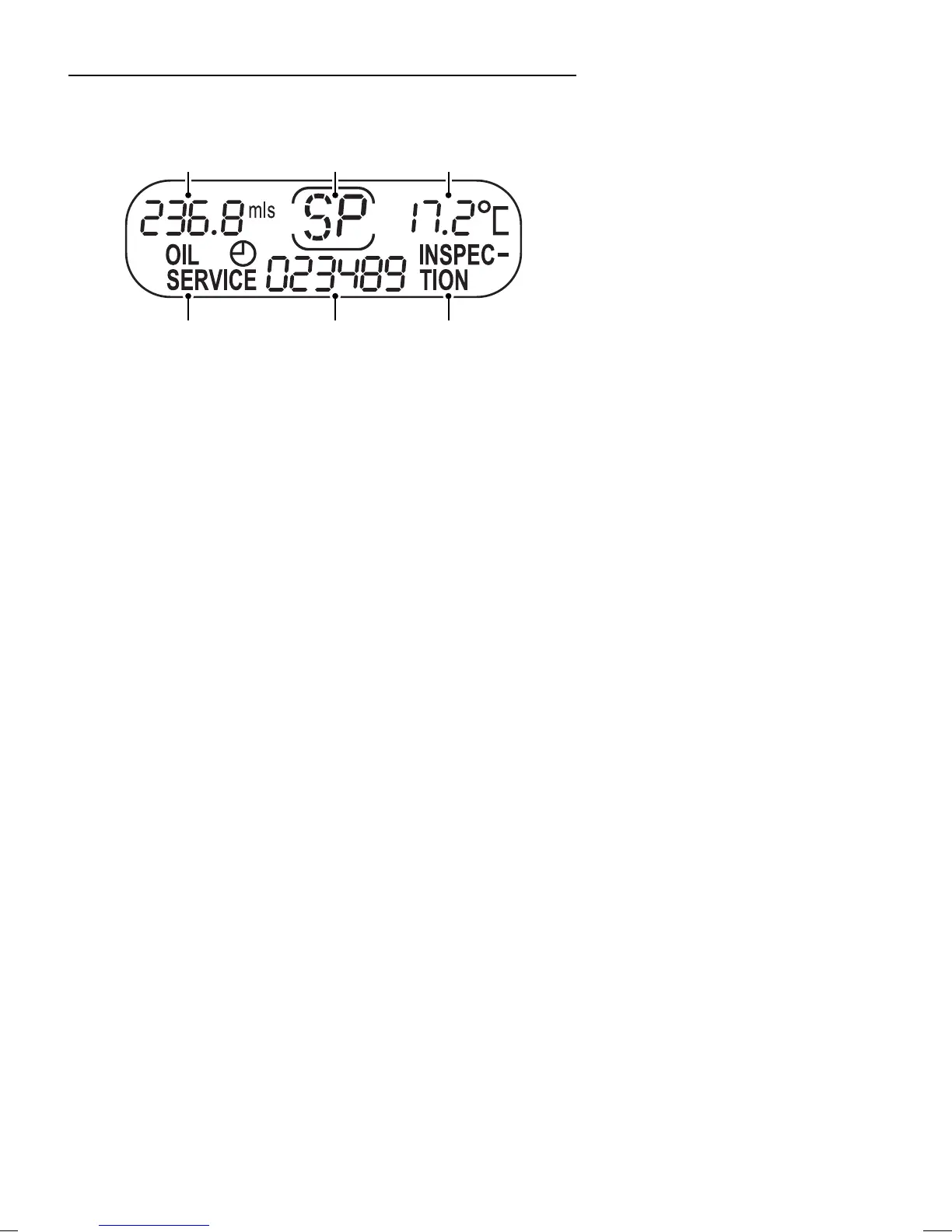
The instrument panel features an LCD display located at the
bottom centre which provides information about the
following functions:
1. Digital odometer
2. Trip recorder
3. Service interval display
4. Gear display (automatic transmission only)
5. External temperature
Digital odometer
When the engine is switched off (starter switch in the off
position), the display remains in the standby mode. Pressing
the trip recorder reset button will cause the total mileage and
the last recorded trip distance to be displayed for
approximately 30 seconds. The fuel gauge will also show the
current level in the fuel tank.
When the starter switch is turned to the first position, the
display illuminates to show the total distance travelled, the last
recorded trip distance and the external temperature.
When the starter switch is turned to the second position, the
trip recorder can be reset for a new journey by briefly pressing
the trip recorder button.
H2793
1
2
33
4 5



 To Next Page