Message Centre
86
Message Centre
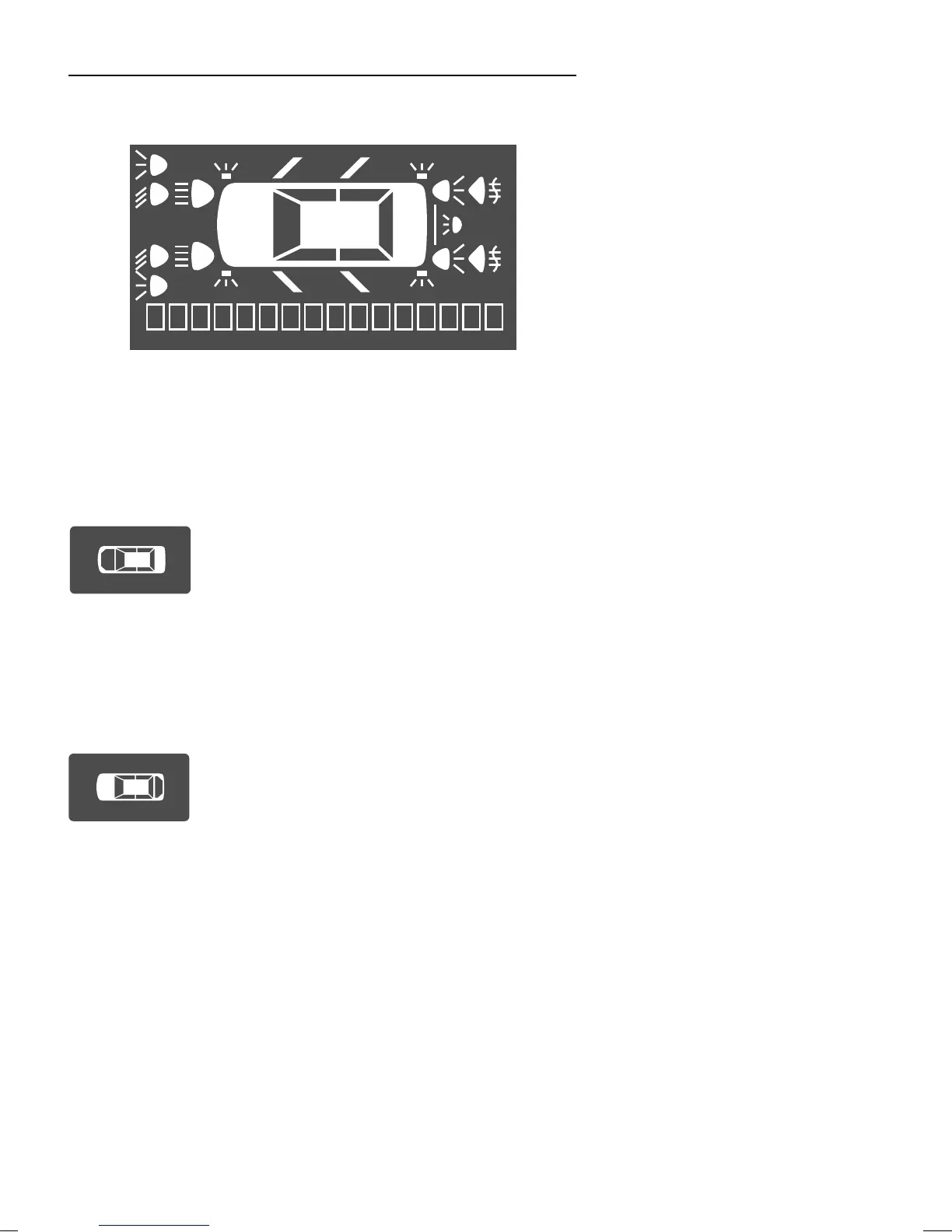
MESSAGE CENTRE DISPLAY*
On instrument packs that incorporate a message centre,
information concerning various aspects of the car’s status is
displayed by a combination of icons and words in the display
at the upper centre of the instrument panel.
Bonnet open - RED
A large vehicle icon showing the bonnet open
with the words ‘BONNET OPEN’ is
displayed for approximately 4 seconds. If the
bonnet has not been closed within the timeout period, the
display is replaced by a small icon showing the bonnet and
boot in the open condition. Close the bonnet securely before
attempting to drive the car.
Boot open - RED
A large vehicle icon showing the boot open
with the words ‘BOOT OPEN’ is displayed
for approximately 4 seconds. If the boot has
not been closed within the timeout period, the display is
replaced by a small icon showing the bonnet and boot in the
open condition. Close the boot securely before attempting to
drive the car.



 To Next Page