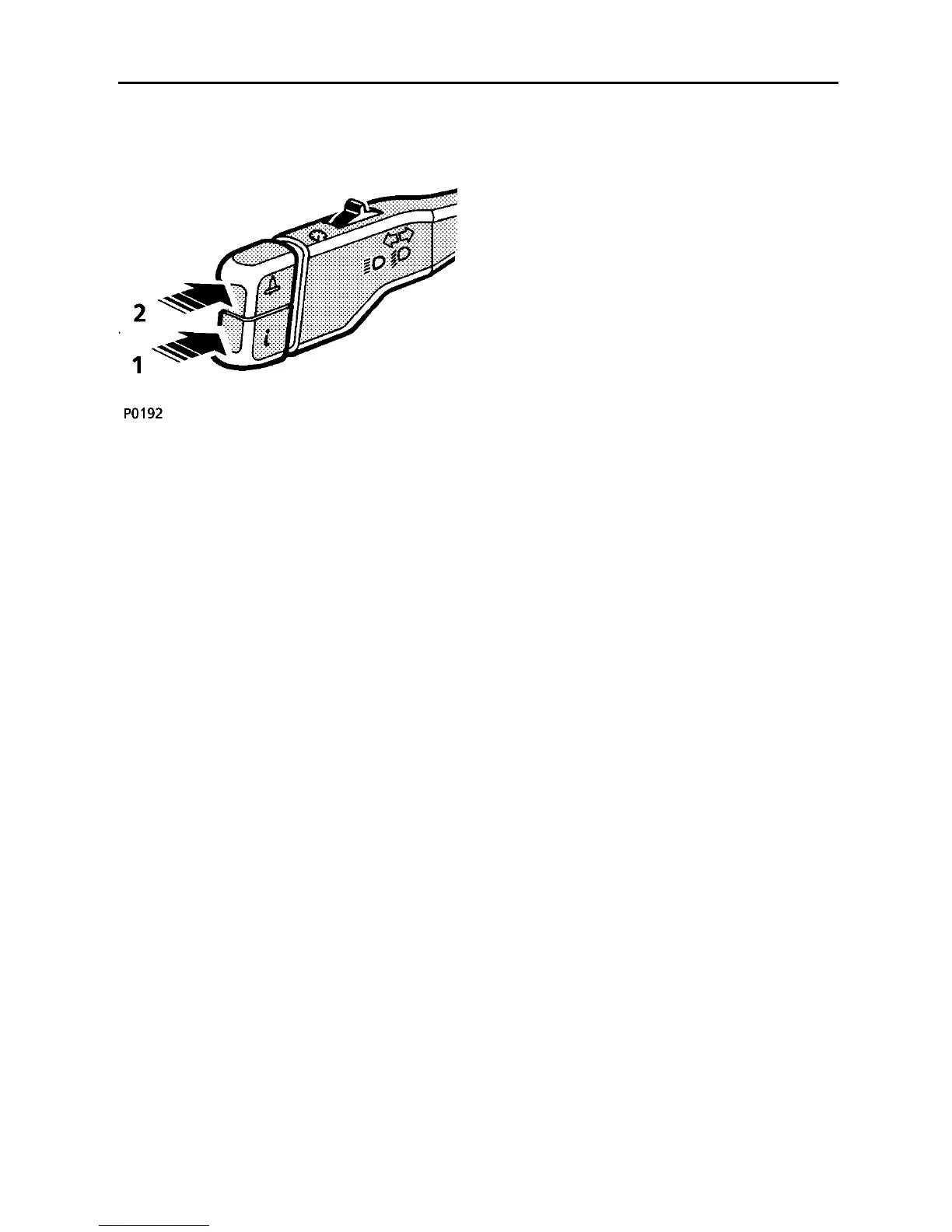
Trip computer & overspeed warning
113
The trip computer provides valuable
information to assist the driver to calculate
fuel stops, journey times and distances.
The two push switches (illustrated) operate
the trip computer and overspeed warning
system, and messages from the trip computer
and overspeed warning system are displayed
in the message centre.
NOTE: The message centre’s primary
function is to display warning messages
generated by the vehicle’s monitoring
systems. Trip computer messages are of
secondary importance and therefore
automatically overridden when other, more
important, information is required for display.
The trip computer and overspeed warning
messages resume when other messages are
no longer valid.
TRIP COMPUTER
With the starter switch in position ’II’, press
switch (1) to scroll through the trip computer
functions. These will appear in the following
order:
• DISTANCE TO EMPTY
• AVERAGE FUEL CONSUMPTION
• AVERAGE SPEED
• TRIP DISTANCE TWO
• TRIP DISTANCE ONE
NOTE: Trip Distance One is the computer’s
default position.
Distance to empty
This function is automatic and indicates the
remaining distance you can travel before the
fuel gauge reads empty - the message centre
displays: ’RANGE - - -’.
If the estimated remaining distance falls below
50 miles (80 kilometres), the message centre
will display ’REFUEL, RANGE `u50’, indicating
that you should refuel at the earliest
opportunity.
NOTE: If a recalculation of the Distance To
Empty function occurs when the range is
between 50 - 56 miles (80 - 90 kilometres),
the display will show the distance to empty
message but NOT the refuel message. Take
care not to run out of fuel!



 To Next Page