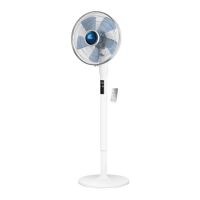
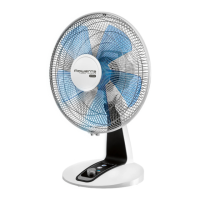
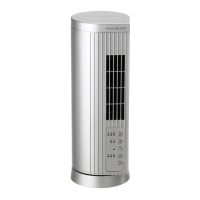
IMPORTANT:
It is recommended that you unplug your appliance whenever it is not in use.
CLEANING
• Your appliance must be unplugged before proceeding with any cleaning work.
• You can clean it with a slightly damp cloth.
• IMPORTANT: Never use abrasive products which might damage the appearance of your appliance.
STORAGE
• When you are not using your appliance, store it in a dry place.
IN THE EVENT OF PROBLEMS
• Never dismantle your appliance yourself, this will negate any guarantee. A poorly repaired appliance
may be dangerous for the user.
• If the appliance ceases to operate or is damaged in any way, contact one of our authorised
service centres.
GB
• "A" button:
- Press the "A" button once; the appliance starts up at speed 1 and indicator comes on.
- Press the "A" button a second time; the appliance changes to speed 2 and indicator comes on.
- Press the "A" button a third time, the appliance changes to speed 3 and indicator comes on.
- If you press the "A" button again, the appliance changes back to speed 1 and indicator comes on.
• "E" button, immediate appliance shutdown:
- Press the "E" button to completely shut down the appliance.
Pre-select the start-up speed according to your needs (see table above),
then select REDUCTION mode or VARIATION mode (using method described below):
- Press the "B" button once; "VARIATION" mode is activated and the "VARIATION" indicator
comes on.
- Press the "B" button again; "REDUCTION" mode is activated and the "REDUCTION" indicator
comes on.
- Press the "B" button again to stop this function.


 To Next Page
 Loading...