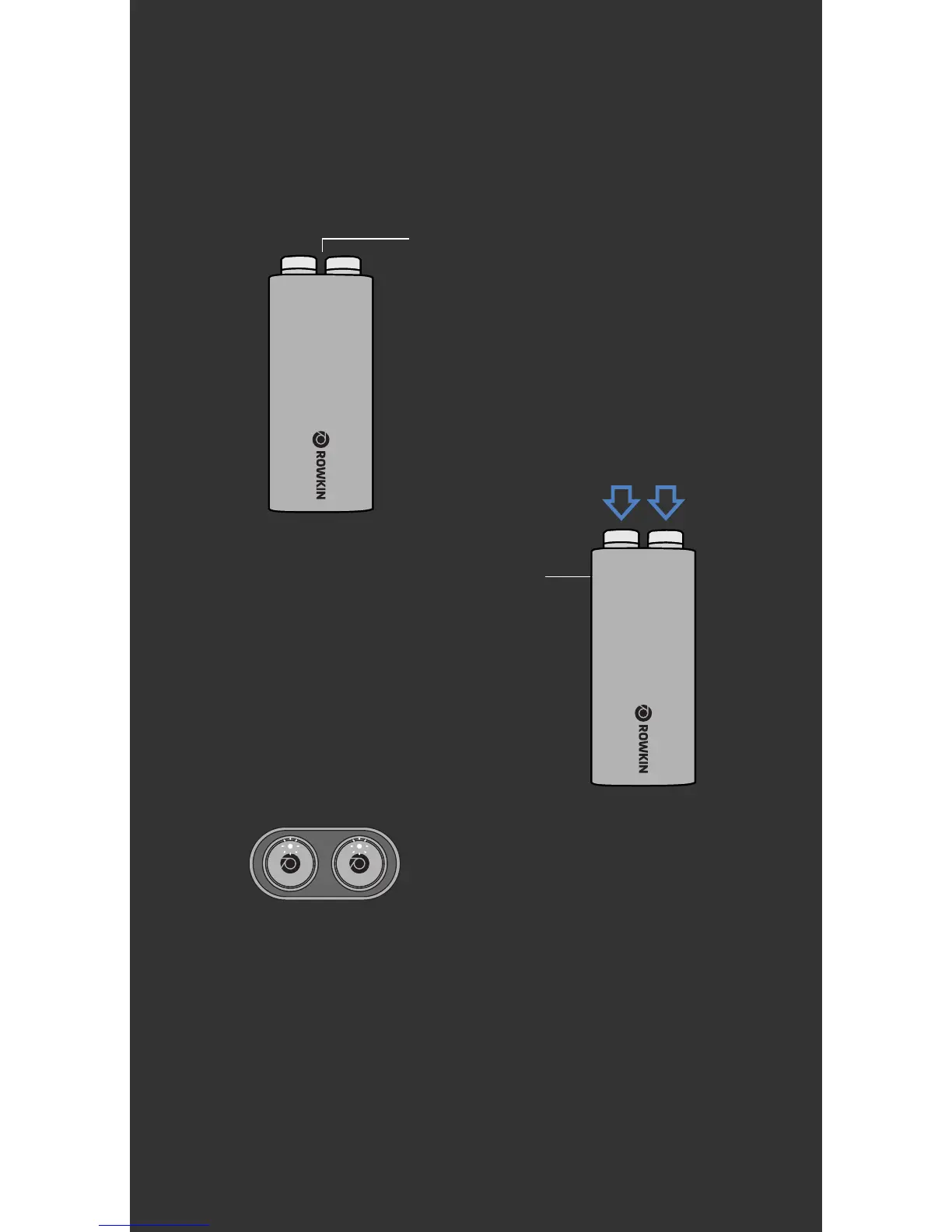
Step 1
Step 2
5. HOW TO RESET
User Manual
Place earbuds in the
Micro charging case.
Step 3
Hold the control buttons until you see
the lights flash white twice.
Step 4
Go back to pair and sync instructions.
Press down on both control
buttons and hold for about 10 sec.
If you ever need to reset your device
follow these instructions:


 To Next Page