19
User
Manual
Color Macro*
46 different color macros (34x matched LEE color lters, 6 LED colors and 6 different Whites) are available as presets.
For each the brightness can be adjusted separately.
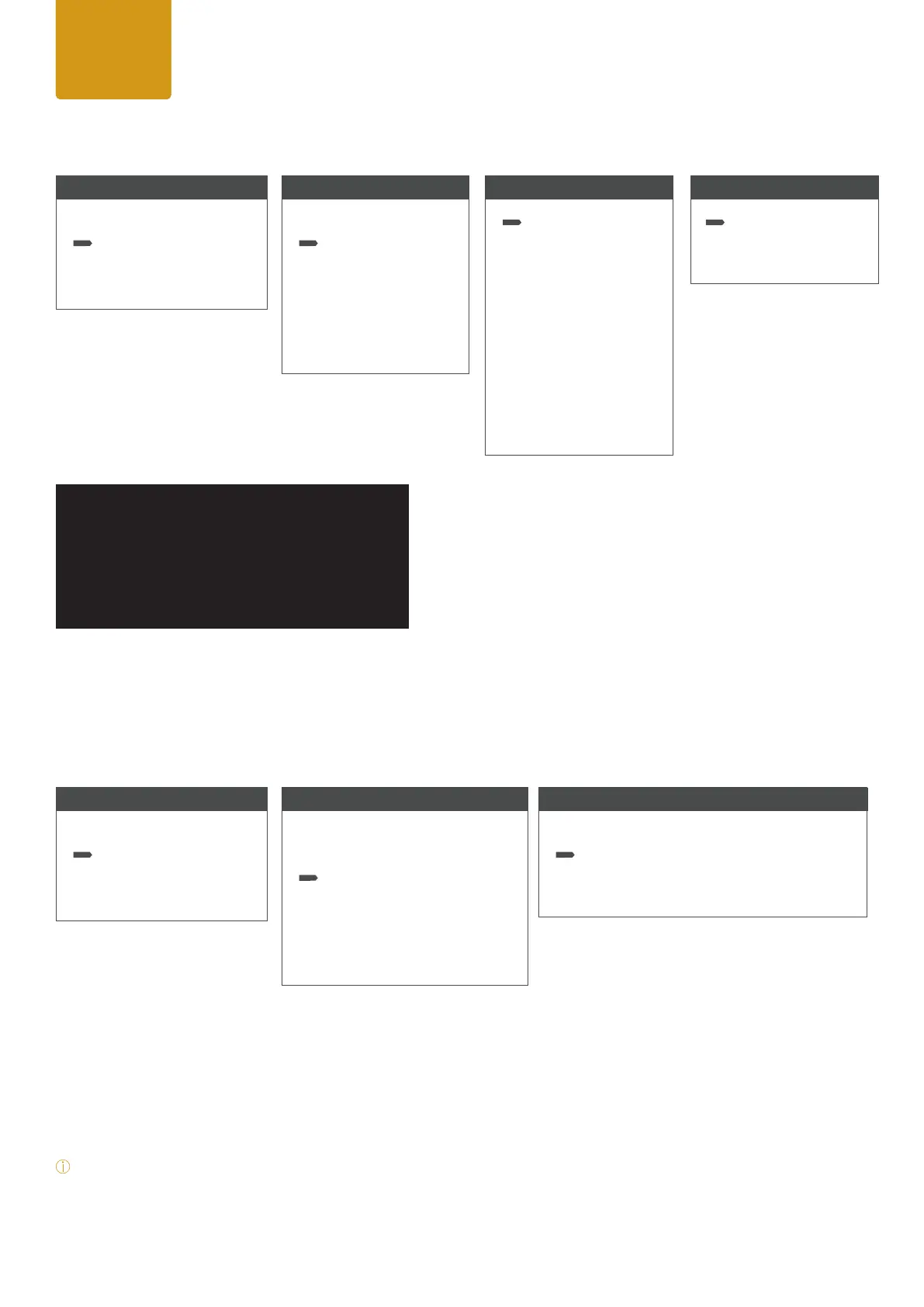
To select a color macro please press ENTER to access to main menu (level 1).
While using the UP / DOWN arrows select the menu item “Stand Alone” and conrm
by pressing ENTER. After please select the item “Color Macro” by using the up/down arrows and press ENTER again.
Using UP and DOWN controls, select your desired color preset and conrm with ENTER.
At level 3 you can adjust the brightness for the color preset between 000-100. Conrm by ENTER. For color blackout
choose the item “Color Off”.
Note: Using UP / DOWN arrows at homescreen Color Macros can be changed according to the list.
User
Manual
Effect 1
Auto FX
Menu
Level 1
DMX Mode
Stand Alone
Settings
System Info
Stand Alone Mode
Level 2
Stop Stand Alone
Auto FX
Color Macro
Quick Color
Tunable White
User Color
Color Settings
Color Macro
Level 3
Color Off
Color Macros
Color Macro Chart
Dim <0-100>
Menu
Level 1
DMX Mode
Stand Alone
Settings
System Info
Stand Alone Mode
Level 2
Stop Stand Alone
Auto FX
Color Macro
Quick Color
Tunable White
User Color
Color Settings
Auto
Level 3
Stop Program
Effect 1
Effect 2
Effect 3
Effect 4
Effect 5
Effect 6
Effect 7
Effect 8
Effect 9
Effect 10
Program
Level 4
Speed <0-100>
(Default 50)
Dim <0-100>


 To Next Page
 Loading...