ALARM MODE
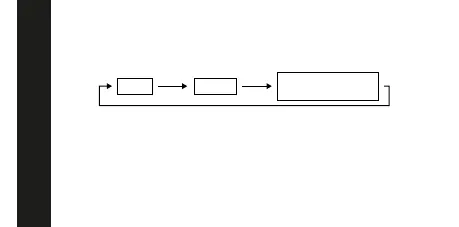
Hour Minutes
Normal Alarm Mode
(no digit flashes)
3. Press (C) to increase the selected digits. Holding down (C) changes the
number at high speed.
- The format (12-hour and 24-hour) of the alarm time matches
the format you select for normal timekeeping.
- When setting the alarm time using the 12-hour format, take care to set
the time correctly as morning or afternoon (PM).
4. After you set the alarm time, press (A) to return to the Alarm Mode. At
this time the Daily Alarm is switched on automatically.
To set the alarm time
1. In the Alarm Mode, press (A). The hour digits flash because they are
selected.
2. Press (A) to change the selection in the following sequence.



 To Next Page