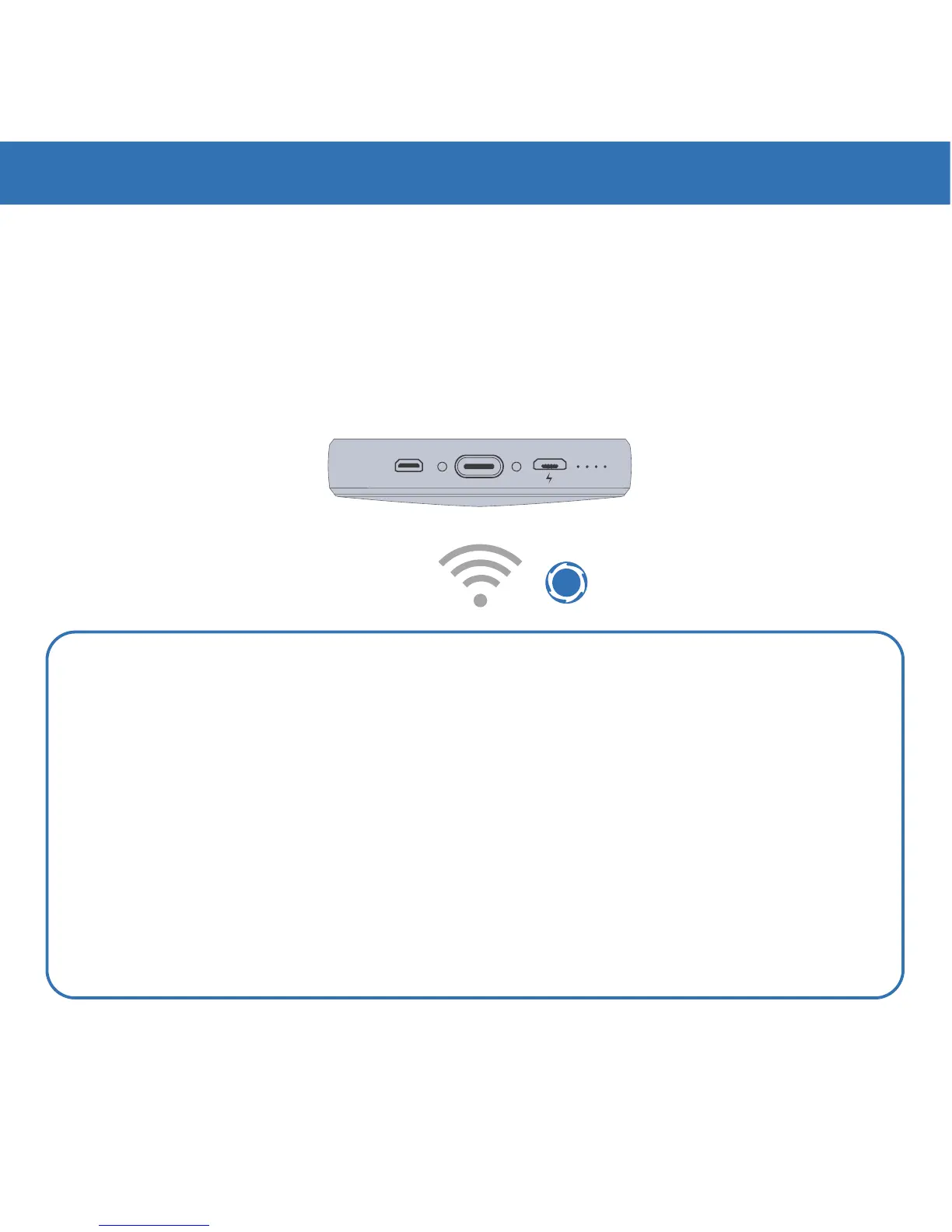
Moon has built-in Wi-Fi
®
to help you wirelessly connect to online streaming services
like Netflix, Hulu, Amazon, and more. To connect, turn on Moon and enter the WLAN
folder on the Main Menu. For the first time, you'll need to turn WLAN ON, choose your
wireless network, and enter the security code. Once connected, go to the Browser
folder on the Main Menu and enter the URL you wish to visit. Your favorite online
streaming service might recognize Moon as a mobile device and ask you to download an
App. Follow the instructions and sign into your account to start streaming your content.
MICRO USBMICRO HDMI
Moon Box
4. CONNECTING TO MEDIA- WiFi
Netflix
Playstation Vue
Hulu
Sling
Orange
Amazon
Instant Video
Crackle
Funny
Or Die
Twitch Vevo
Please refer to your manual or go to www.royole.com/support for more
detailed information.
For the best browsing and streaming
app experience, use an external mouse
TIP


 To Next Page