EasyManua.ls Logo

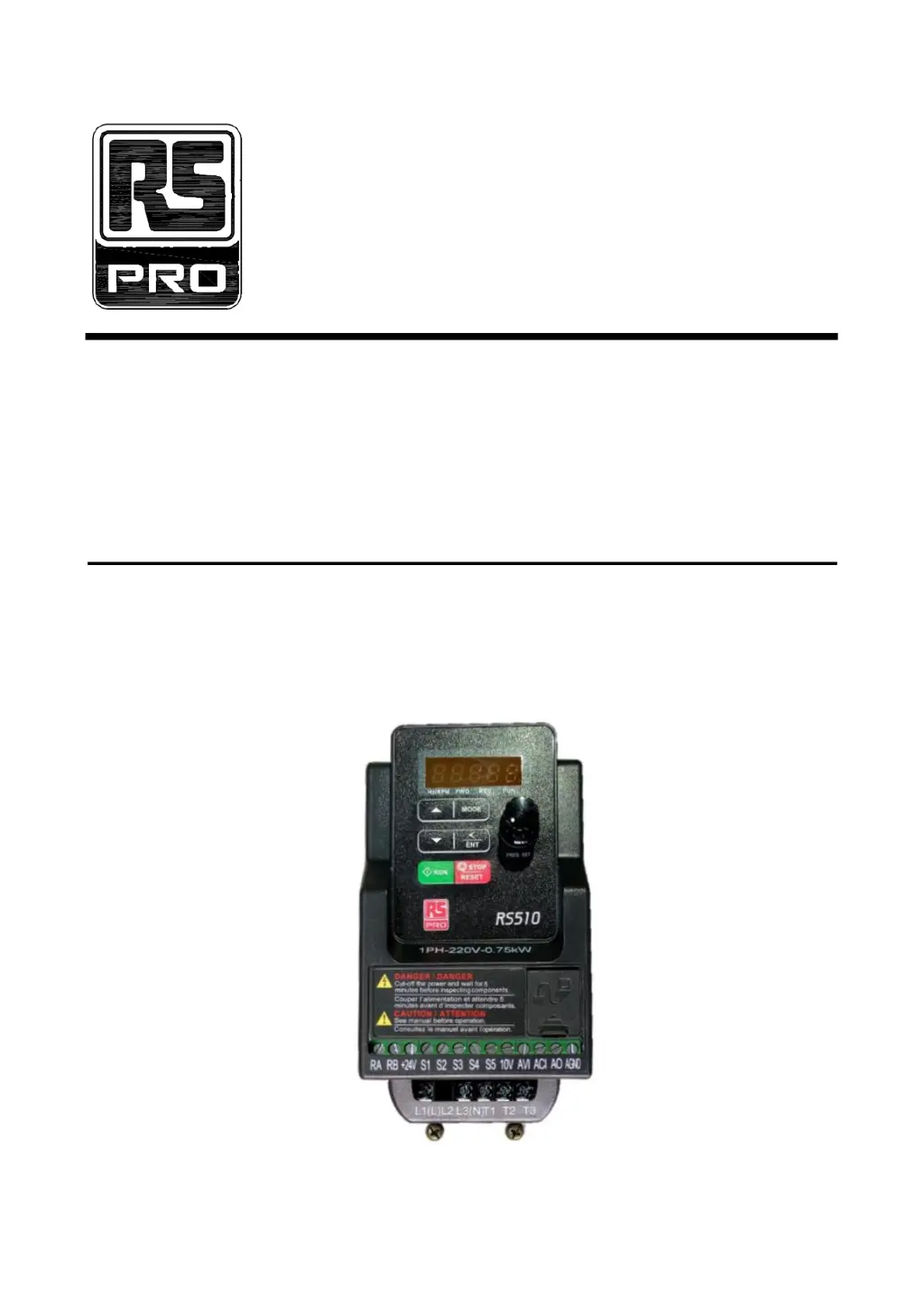
RS PRO RS510 Series - User Manual

RS PRO RS510 Series
46 pages
Print Icon
To Next Page IconTo Next Page
Loading...
1
RS510 Series
200V
400V
0.4~2.2kW
(0.5~3HP)
0.75~11kW
(1~15HP)
Microprocessor Controlled
IGBT Drive
Inverter Motor Speed Regulator
Operating Manual

Questions and Answers

  • T
    Thomas FrostAug 5, 2025
    What to do if my RS PRO RS510 show HPErr?
    • L
      Laura KingAug 5, 2025
      If your RS PRO DC Drives display 'HPErr', it means that the inverter capacity setting doesn't match the hardware voltage levels. You should check the inverter capacity setting to ensure it meets the hardware voltage levels.
  • R
    Roy OchoaAug 12, 2025
    Why does my RS PRO RS510 DC Drives show OH-?
    • J
      Joseph HowardAug 12, 2025
      If your RS PRO DC Drives display 'OH-', it indicates either a detection circuit malfunction or that the ambient temperature is too high with poor ventilation. Try improving the ventilation conditions, and if the problem persists, replace the inverter.
  • B
    Bradley MelendezAug 20, 2025
    How to fix OH-C error on RS PRO DC Drives?
    • S
      Samuel MendezAug 20, 2025
      If your RS PRO DC Drives display 'OH-C', it means the IGBT temperature is too high due to poor ventilation, or there's a temperature sensor error. You can reduce the carrier frequency and improve ventilation. If that doesn't work, consider replacing the inverter.
  • R
    Ryan HicksAug 27, 2025
    What to do if RS PRO DC Drives show LV- error?
    • G
      Gabriel CurtisAug 27, 2025
      If your RS PRO DC Drives display 'LV-', it could be due to several reasons: the power voltage being too low, a burnt-out pre-charge resistor or fuse, or a detection circuit malfunction. First, check if the power voltage is correct. Then, inspect the resistor or fuse for any failures. If these steps don't resolve the issue, consult with the supplier.

Summary

Safety Precautions and Procedures

Before Power Up

Ensure correct main circuit connections before applying power.

During Power Up

Understand inverter behavior during momentary power loss.

During Operation

Follow safety guidelines during inverter operation to avoid damage.

Product Information and Specifications

Model Part Number Definition

Understand the structure and meaning of the inverter model number.

Product Specifications

Key technical specifications for 200V and 400V inverter classes.

Installation and Wiring Guidelines

Installation Environment Requirements

Specifies operating temperature, humidity, altitude, and vibration limits.

Wiring and EMC Guidelines

Details best practices for wiring and electromagnetic compatibility.

Terminal Descriptions

Detailed explanation of main and control circuit terminal functions.

Operation and Control

Operator Panel Functions

Overview of the keypad layout and functions for operation.

Programmable Parameter Groups

Lists and describes the various parameter groups for configuration.

Troubleshooting and Maintenance

Error Display and Corrective Actions

Identifies common error codes and their solutions.

Keypad Operation Error Instructions

Explains error messages related to keypad input and operations.

General Troubleshooting Guide

Provides a systematic approach to diagnosing common operational issues.

RS PRO RS510 Series Specifications

General IconGeneral
SeriesRS510
Input Voltage24 V dc
Power Rating75 W
Control TypePWM
Protection FeaturesOvercurrent