6
BASE UNIT INSTALLATION
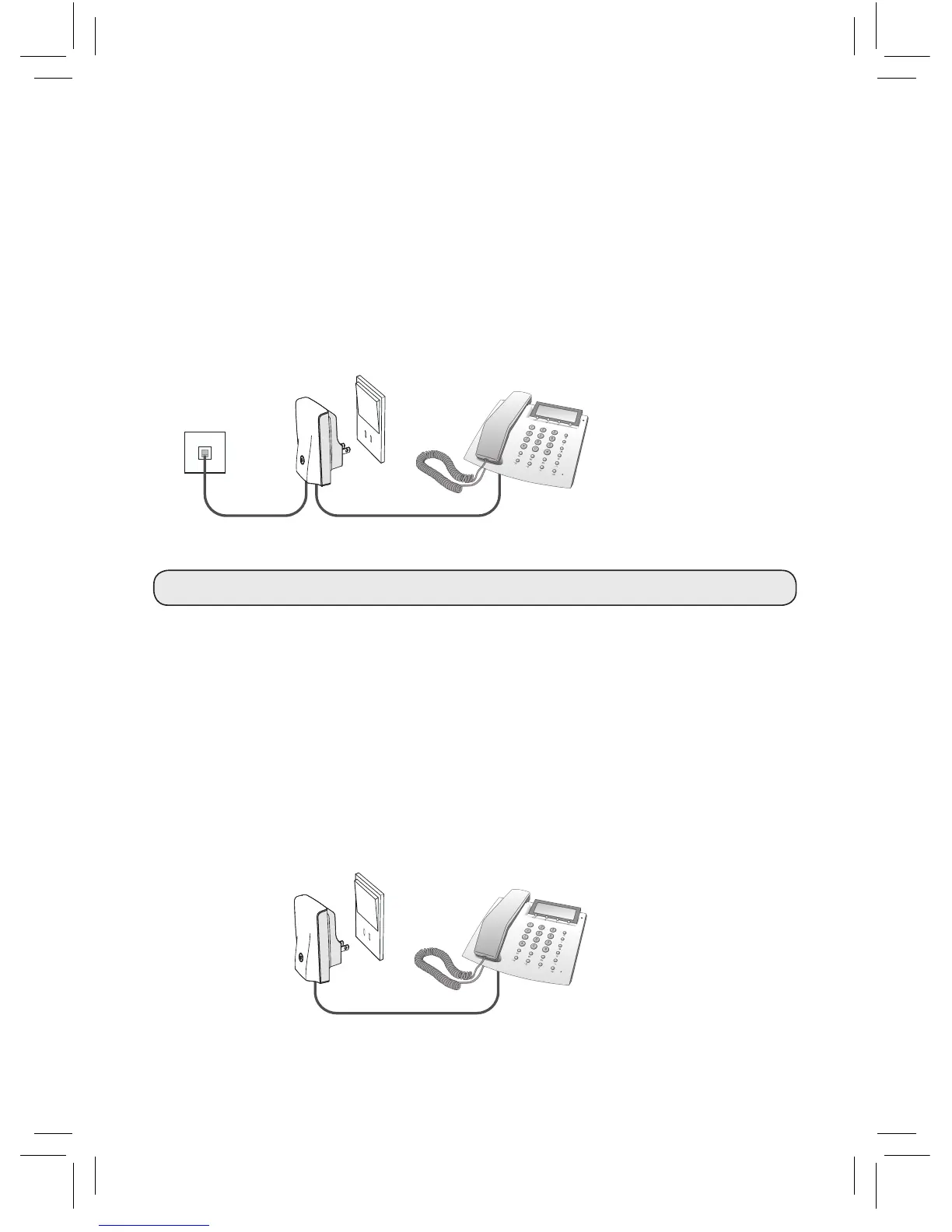
1) Connect the enclosed phone line cord to the Base unit and connect the other
end to the phone wall socket.*
2) If you have a phone connected to the wall socket, unplug it and connect it to
the Base unit instead (remove plug adapter before connecting to the Base unit).
3)
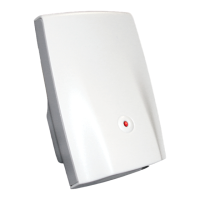
Connect the Base unit to a power outlet and switch power on. The light on top of
the Base unit should now glow green.
The Base unit is now installed.
EXTENSION UNIT INSTALLATION
The Extension unit can be connected to either a normal phone, dial-up modem,
fax or satellite/cable set top box.
1) Plug the phone line cord from your phone, dial-up modem, fax or satellite/cable
set top box into the Extension unit.
*NOTE: Works also as a wireless extension to a VoIP Terminal Adapter
Phone wall socket
1)
3)
Power outlet
2)
Phone, dial-up modem, fax
1)
Power supply plug
Phone, dial-up modem, fax or
satellite/cable set top box


 To Next Page