EN
DAB radio
When listening to DAB/DAB+, your R3 displays the
station name and other DLS* programme information
when available.
The rst time you use your R3, or if the station list is
empty, it will automatically perform a full scan to identify
available stations.
*Dynamic Label Segment
Change station
Press or to tune to the next/previous station.
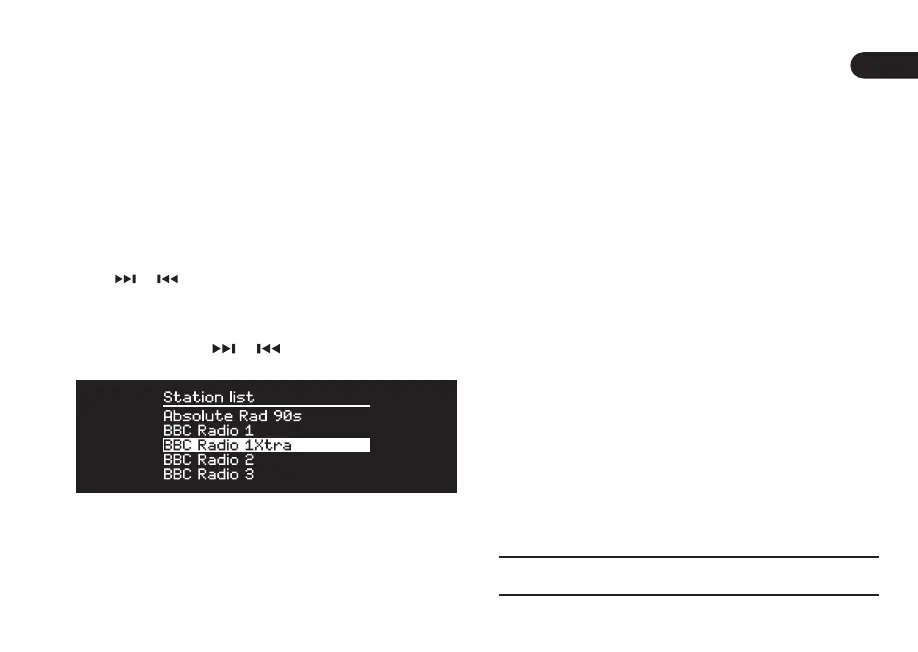
Station list
To view a list of available DAB stations select MENU >
Station list or press or . Highlight the station you
wish to listen to and press SELECT.
Programme information
Choose from radio text, programme type, signal
strength, signal format and date by selecting MENU >
Info.
Save preset
You can store 10 DAB stations in your preset list. See
‘Common functions’ section.
Recall preset
See ‘Common functions’ section.
Station order
The DAB station list can be ordered by Alphanumeric,
Ensemble or Valid. Alphanumeric puts the stations
in alphabetical order, Ensemble groups stations from
the same broadcaster together, Valid shows available
stations rst and places invalid stations (marked with ‘?’)
last.
To change station order, select Menu > Station order
and select Alphanumeric (default), Ensemble or Valid.
Invalid stations have ‘?’ in front of the station name



 To Next Page