TABLE 3 Front panel parts (continued)
Number Description
13 Reset button. Press for 5 seconds to restart the SZ 100.
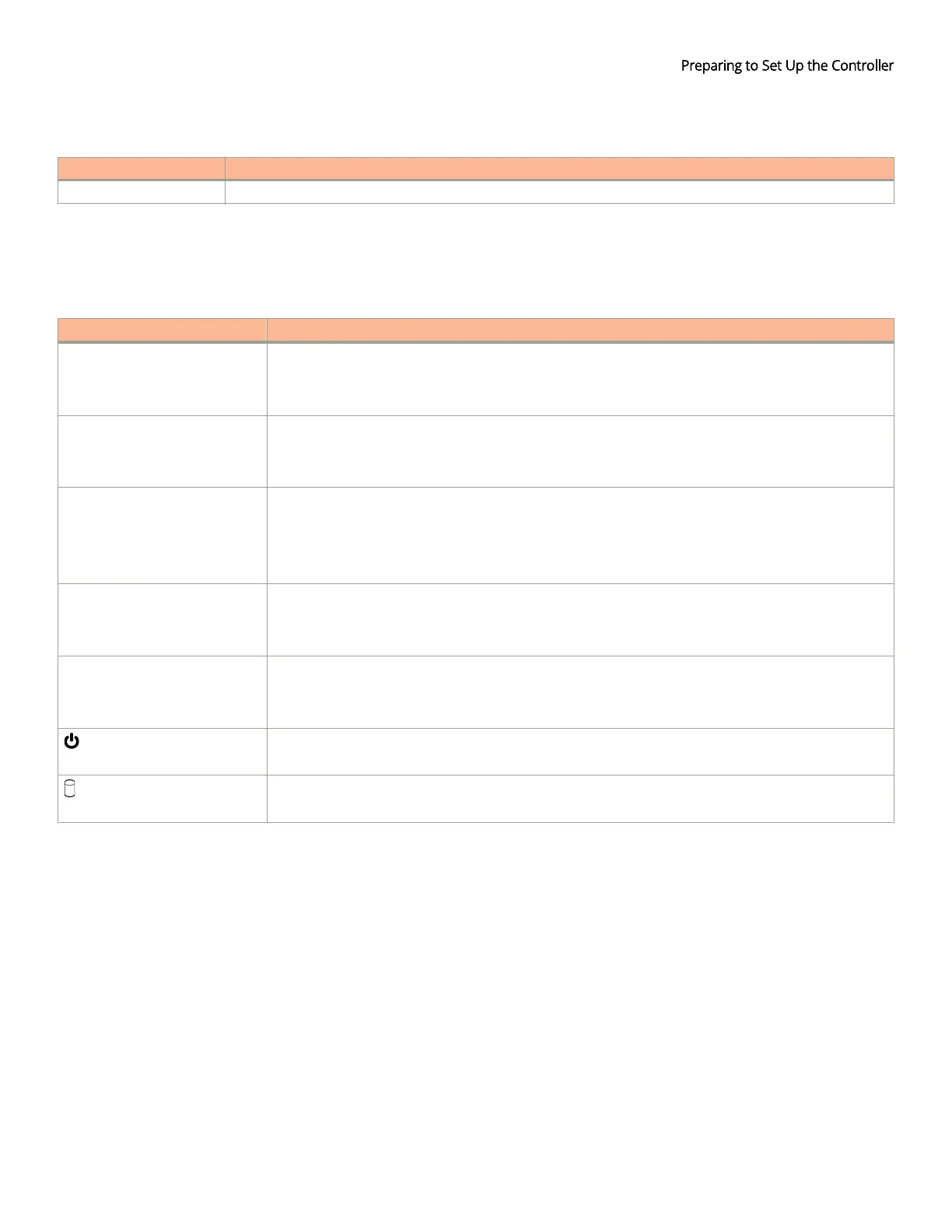
LEDs on the Front Panel
The table below describes the behavior of the LEDs on the front panel.
TABLE 4 LED behavior
LED Description
10G Ethernet link LED Green: Operational
Flashing: TX/RX data
O: Not operational
10G Ethernet speed LED Blue: Operating at 10Gbps
Yellow/Orange: Operating 1Gbps
O: Not operational
Status Green: System operational/no fault
Red: System fault
Blinking red: Starting up or shutting down
Slow ashing red: System shut down
1000BASE-T link LED Green: Operational
Flashing green: TX/RX data
O: Not operational
1000BASE-T speed LED Green: 1000Mbps
Amber: 100Mbps
O: 10Mbps
Power
On: Power available
O: No power
HDD
On: Disk I/O (usually blinking)
O: No disk I/O
Rear Panel
The gure below shows the rear panel of the SmartZone 100. For descriptions of the numbered parts, refer to the table below.
Before You Begin
Ruckus SmartZone 100 Getting Started Guide
Part Number: 800-71960-001 Rev A 15


 To Previous Page
 Loading...