Copyright ©2024 Ruko All Rights Reserved.15
R111 User Manual
4.2 Drone Information Binding
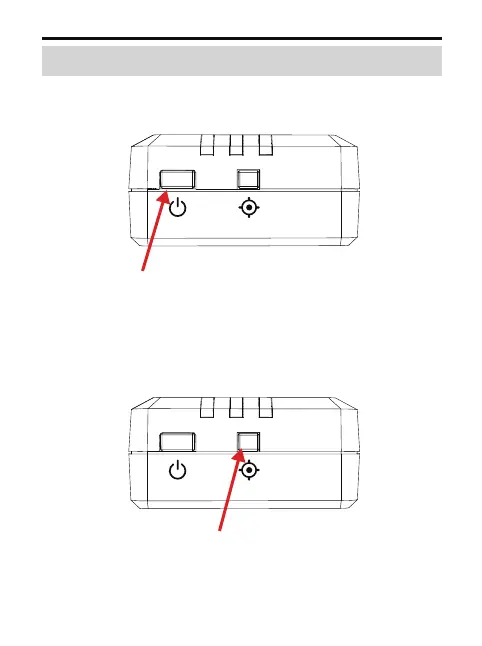
Turn on the remote ID module: press and hold the switch
for 3 seconds until the indicator lights up.
1.
Press and hold the device setting button. The light on the
right side will stay on and the device will enter the
setting mode.
2.
Long press for 3 seconds
Long press for 3 seconds



 To Next Page