Copyright ©2024 Ruko All Rights Reserved.17
R111 User Manual
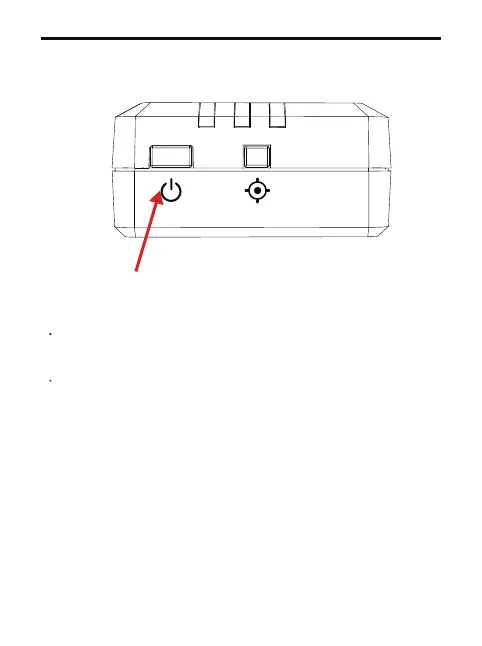
Power off: Long press the switch for 3 seconds until the
indicator light goes out.
Note: After setting the information, restart the device to
work properly based on the latest binding information.
Restart the remote ID module.
6.
Long press for 3 seconds



 To Next Page