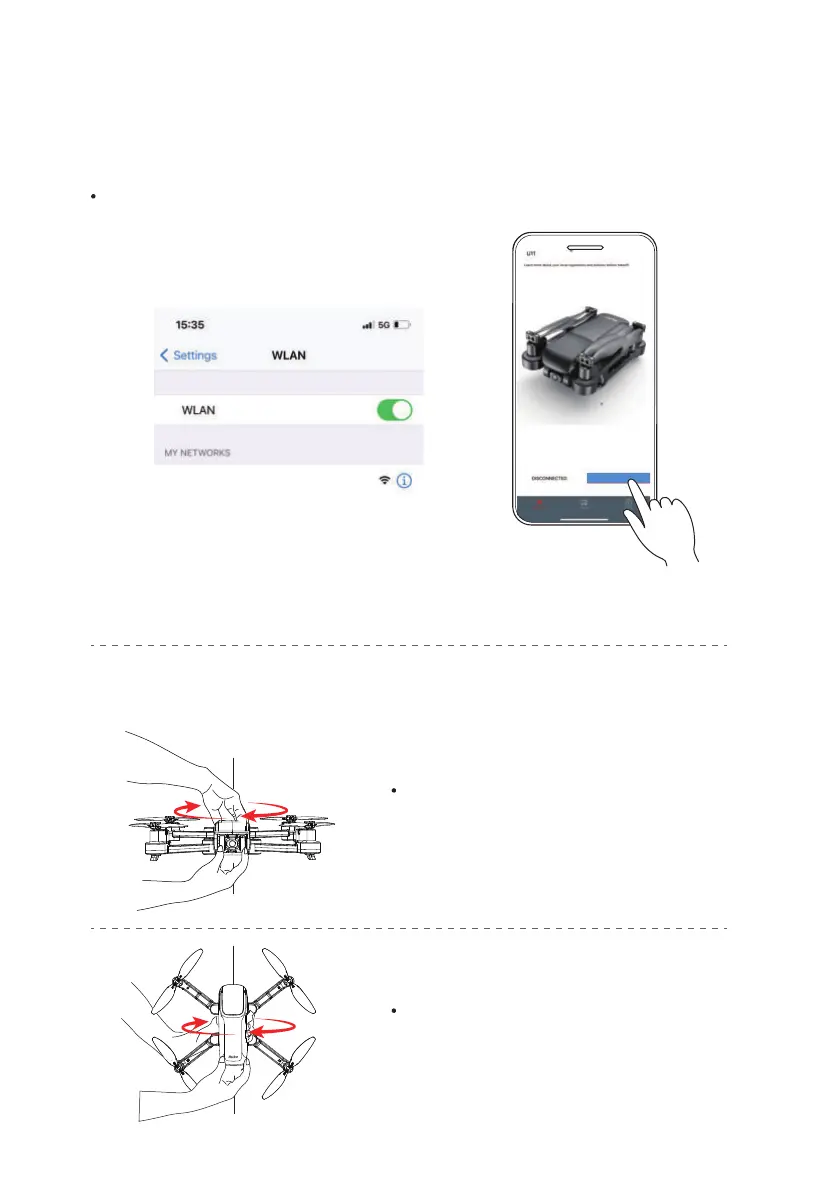
Rotate the aircraft horizontally 360° until
the controller plays a "beep" sound.
( About 3 turns)
Rotate the aircraft vertically 360° the
controller plays a "beep" sound .
( About 3 turns)
6
Calibrate the Compass
Connect to Wi-Fi
Copyright ©2021 Ruko All Rights Reserved.6
Connect the mobile device to the Aircraft's Wi-Fi and enter the App operation page.
Tap "Go Flying" icon
drone-******
Go Flying



 To Next Page