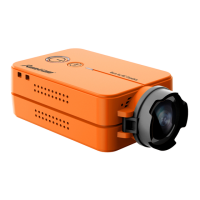
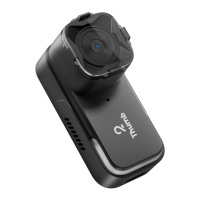
Start Recording
Push-button up,
LED1, LED2(Red Light) have a slow flash at 1s intervals simultaneously
Stop Recording
Push-button down,
LED1 and LED2(Red Light) turn off simultaneously
Open WiFi
Operational: Long Pressing WiFi button 3s in recording status
Waiting for a connection: LED1 ( Blue light flashes slowly at ls interval), Connected: LED1 (Blue Light is on)
Operation2: Long Pressing WiFi button 3s in shutdown status
Waiting for a connection: LED1( Blue light flashes slowly at ls interval) Connected: LED1 (Blue Light is on)
Close WiFi
Long pressing WiFi button 3s,
LED1 (Blue light) off, the camera turns off simultaneously
Forced shutdown Long pressing WiFi button 8s
Abnormal Status
No SD card or SD card abnormality, LED1,
LED2 have a quick flash simultaneously
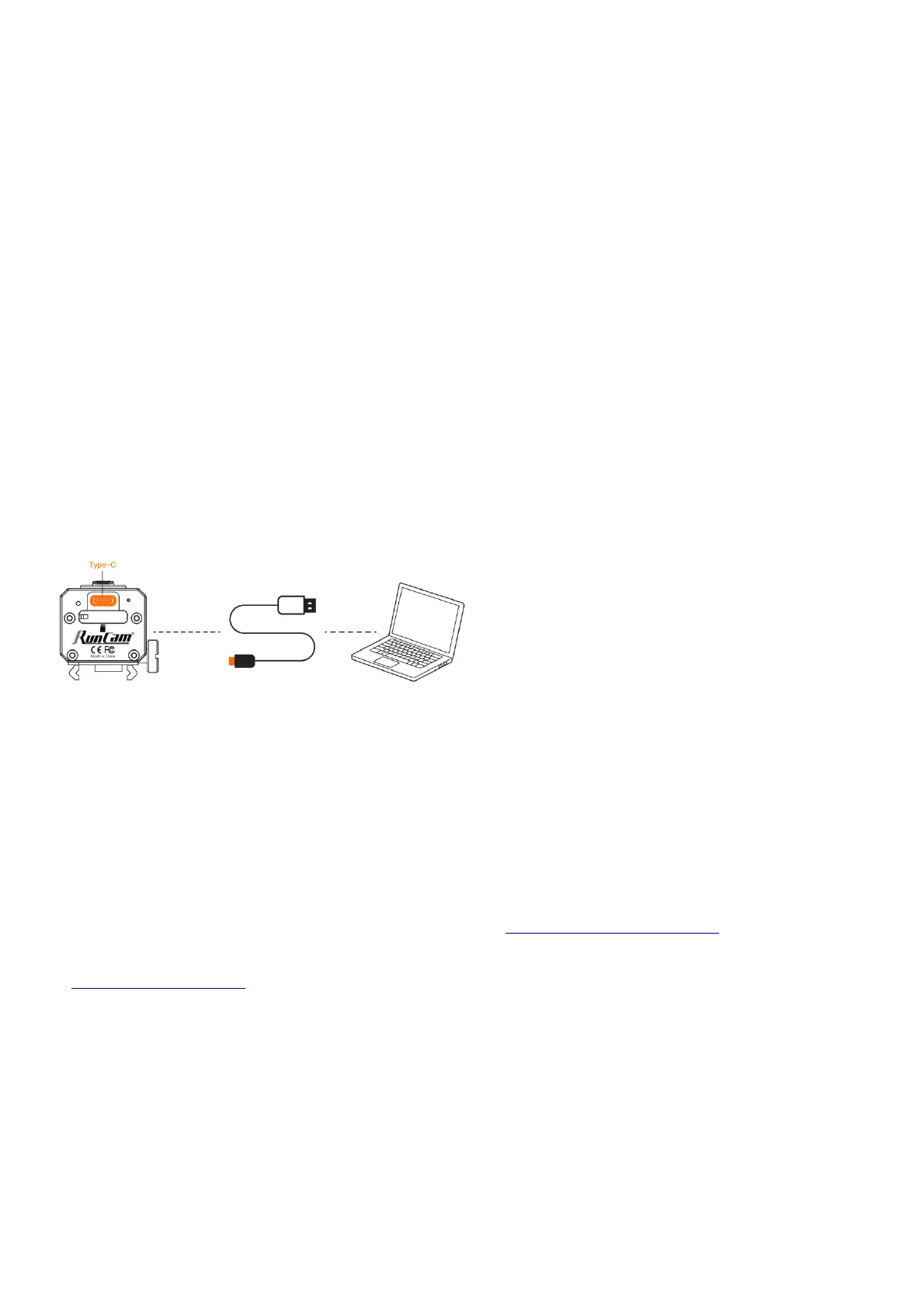
Connection to the Computer
U Disk Mode:
Connecting to PC via TYPE-C to USB, the camera will enter into U disk mode automatically, recording indicator(red light) is on
WEBCAM/PCCAM/UVC Mode
Short pressing WiFi button to switch to WEBCAM/PCCAM/UVC mode in U disk mode, then Short pressing WiFi button can switch back and forth to U Disk or WEBCAM mode.
NOTICE: If the camera cannot be recognized after connecting to the computer, please confirm whether there is a microSD card in Scope cam 2. If the information in the SD card cannot be
read normally, please replace the USB cable or retry the computer USB port.
App
1. Long press WiFi button 3s, LED1(blue light) flashes, WiFi is started and waiting for a connection.
2. Find the SSID connection of the Scope Cam 2 in the wireless network of the mobile phone and enter the password, after a successful connection, firmware update/WiFi indicator (blue
light) is constantly on
3. Default SSID: SCO2_4K_*****PW:1234567890
Android and iOS APP: Search ‘RunCam App’ on Google Play/App Store, or download on our website: https://runcarn.com/download/scopecam2-4k.
Technical Support Please
visit: https://supportsuncam.com/hc/en-us
Parameter


 To Next Page
 Loading...