1.4 Trace5 Device Configuration
Device Center
The Device Center application is used to configure the device. The Device Center allows you to do the
following:
· Make a new configuration file
· Edit an existing configuration file
· Send a configuration file to your device
· Load an existing configuration file from your device
· Update the device firmware
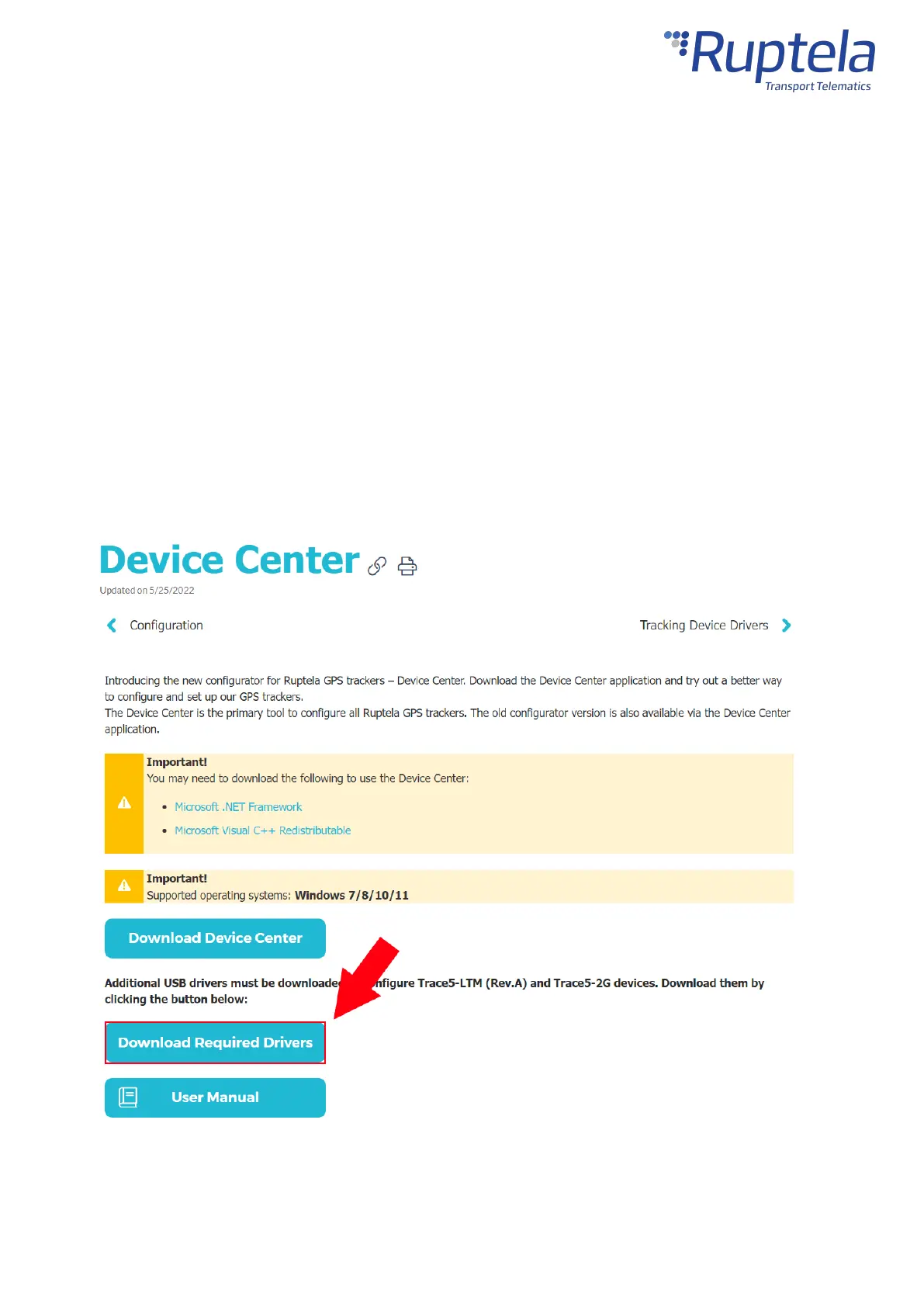
Download the Device Center from our documentation website:Device Center.
Make sure to download and install the required drivers listed below:
You can also find a detailed description of the Device Center in the User manual section.
Extract the downloaded archive to your desired location. Launch DeviceCenter.exe.


 To Next Page