EasyManua.ls Logo

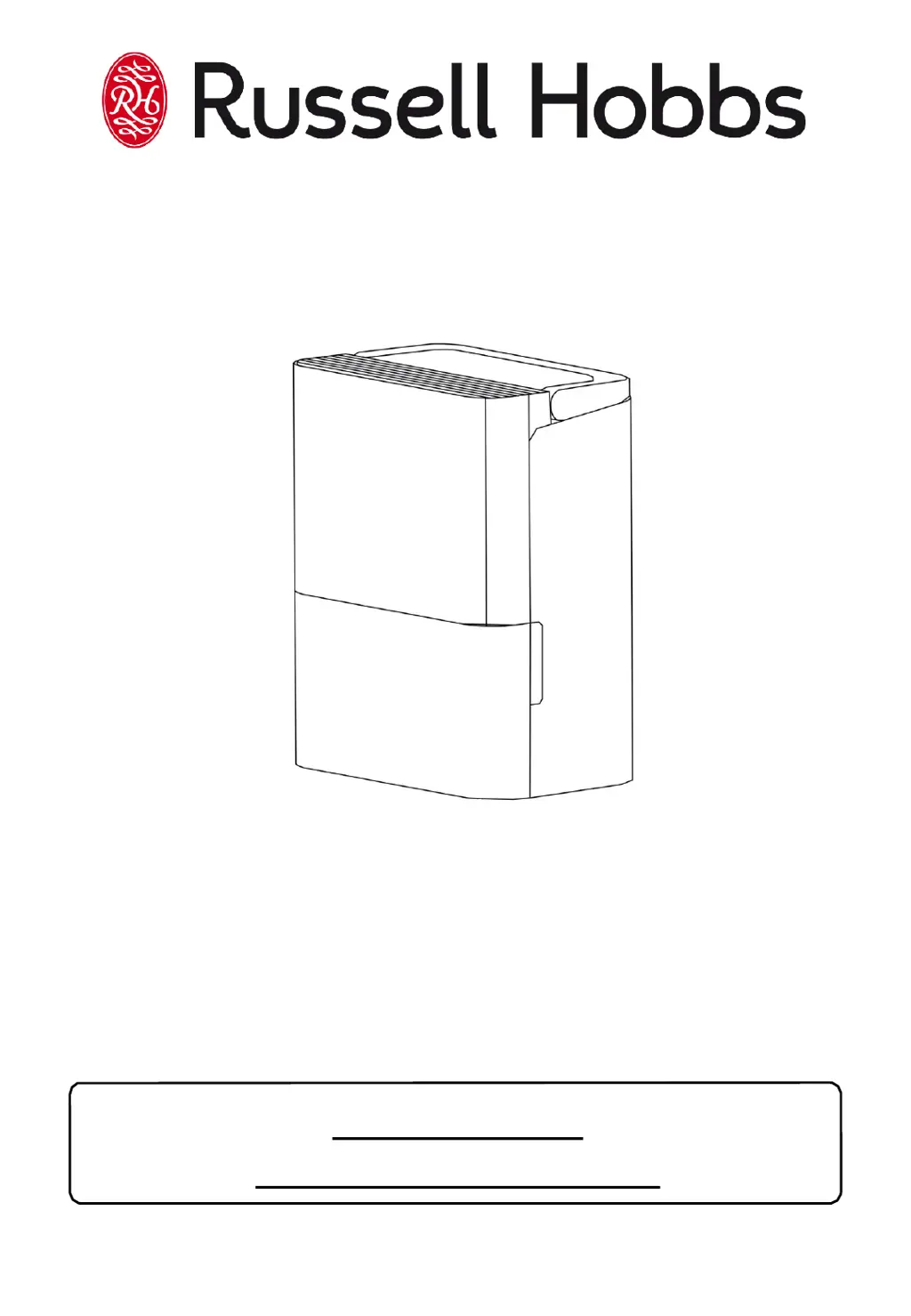
Russell Hobbs RHDH1001 - User Manual

Russell Hobbs RHDH1001
24 pages
Print Icon
To Next Page IconTo Next Page
Loading...
10L Dehumidifier
For Customer Services & Spare Parts please call 0345 209 7461
Or visit us at https://mda.russellhobbs.com
PLEASE RETAIN
FOR FUTURE REFERENCE
Model Number: RHDH1001
220-240V AC 50Hz 340W

Questions and Answers

  • J
    Jason DavisJul 28, 2025
    What to do if power indicator light flashes on Russell Hobbs RHDH1001?
    • A
      Adam MckeeJul 28, 2025
      If the power indicator light on your Russell Hobbs Dehumidifier flashes 5 times per second, it indicates a temperature or humidity sensor error. Unplug the unit, then plug it back in to resolve this.
  • C
    Christopher PerezAug 2, 2025
    What to do if Russell Hobbs Dehumidifier does not dry the air as it should?
    • D
      Deborah SuarezAug 2, 2025
      If your Russell Hobbs Dehumidifier isn't drying the air effectively, consider these points: * Allow sufficient time for moisture removal. * Ensure curtains, blinds, or furniture aren't blocking the front or back of the unit. * Check if the humidity selector is set low enough. * Confirm that all doors, windows, and openings are securely closed. * The room temperature should not be below 50C (410 F). * Make sure there isn't a kerosene heater or anything else releasing water vapor in the room.
  • R
    Rachel DavisAug 6, 2025
    What to do if my Russell Hobbs RHDH1001 makes a loud sound when operating?
    • J
      Jamie GoodAug 7, 2025
      If your Russell Hobbs Dehumidifier is making loud noises, it could be due to a few reasons: * The air filter might be clogged. * The unit might be tilted; ensure it's upright. * The floor surface might not be level.
  • J
    josephlynchAug 12, 2025
    What to do if there is water on the floor from Russell Hobbs Dehumidifier?
    • S
      Stephanie LopezAug 13, 2025
      If you find water on the floor near your Russell Hobbs Dehumidifier, check if the hose connection is loose. Also, if you're using the drawer to collect water, ensure the back drain plug is properly installed.
  • S
    steve15Aug 17, 2025
    Why does frost appear on the coils of my Russell Hobbs RHDH1001 Dehumidifier?
    • E
      eodomAug 17, 2025
      The appearance of frost on the coils of your Russell Hobbs Dehumidifier is normal. The unit is equipped with an auto-defrost feature.
  • A
    Alex CunninghamAug 22, 2025
    Why Russell Hobbs RHDH1001 does not start?
    • N
      nrodriguezAug 22, 2025
      If your Russell Hobbs Dehumidifier isn't starting, there are several things to check: * Ensure the dehumidifier’s plug is fully inserted into the socket. * Check your house fuse or circuit breaker. * The dehumidifier might have reached its preset level, or the drawer could be full. Also, make sure the drawer is correctly positioned. * If restarting the unit, note that there's a 3-minute delay before it starts. * Verify the unit isn't set on a delayed start. * Confirm that the room humidity isn't lower than 35%.

Summary

Safety Precautions

Electrical Safety Guidelines

Important safety precautions regarding electrical connections, plugs, and fuses.

Feature Diagram

Control Panel Diagram

Positioning Your Dehumidifier

Operating Your Dehumidifier

Powering On the Dehumidifier

Instructions for powering on the dehumidifier, including plug-in and initial status display.

Continuous Extraction Mode

How to use the continuous mode for maximum extraction and its limitations.

Adjusting Humidity Levels

Steps to adjust the desired humidity level using the control panel buttons.

Timer Functions (Delayed Start;Auto Stop)

Instructions for programming delayed start and auto-stop functions using the timer button.

Silent Mode for Quiet Operation

How to activate and deactivate silent mode for reduced noise output and fan speed.

Additional Dehumidifier Features

Details on auto shut off, water full indicator, 3-minute restart, auto defrost, and auto-restart.

Emptying and Draining

Troubleshooting Error Codes

Explanation of error codes like P2, AS, ES, EC and their troubleshooting steps.

Emptying the Water Tank

Step-by-step guide on how to remove and empty the water tank.

Continuous Draining Method

Instructions for setting up continuous draining using a hose.

Cleaning and Maintenance

Air Filter Care

Guide on how to remove, clean, and replace the air filter.

Cleaning Exterior and Grilles

Methods for cleaning the unit's exterior, grilles, and case.

Water Tank Maintenance

Instructions for cleaning the water tank to prevent mold and bacteria.

Preparing for Long Term Storage

Steps for preparing the unit for long periods of non-use, including cleaning and storage.

Troubleshooting Guide

Warranty and Support

Available Spare Parts

Power Connection and Fuse

Fuse Replacement Procedure

Step-by-step guide on how to safely replace the fuse in the power plug.

Technical Specifications

Important Notes

Russell Hobbs RHDH1001 Specifications

General IconGeneral
DisplayLED
Best usesBedroom
PlacementFloor
Noise level45.5 dB
Product colorGrey, White
LED indicatorsPower, Silent
Indication lightYes
Water tank capacity2 L
Recommended room area range15 - 30 m²
Dehumidifying capacity (max)10 l/24h
Suitable for room area up to30 m²
Suitable for room volume up to- m³
Power plug type-
AC input voltage220 - 240 V
AC input frequency50 Hz
Power consumption (typical)340 W
Operating temperature (T-T)5 - 35 °C
Weight and Dimensions IconWeight and Dimensions
Depth210 mm
Width320 mm
Height400 mm
Weight11400 g

Related product manuals