13
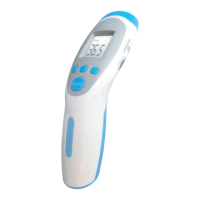
5.Recalibration of device via the F4 MENU
The RC008 factory-set.Depending on varous skin types and thickness,
there may be temperature differences.
The F4 function will recalibrate and if you see a difference in the
reading ,you must recalibrate the unit.
Instructions for recalibration:
Press the Mode and °C/ °F buttons at the same time for 3 seconds.
The screen will then display :“F4”
Press Mode to increses 0.1°C, press °C/ °F to reduce 0.1°C.
Press MEM button to save the setting.
In the cases of seasonal or environmental changes a verification and
adjustment should be carried out.
6. CHANGING THE BATTERIES
Display: when the LCD screen displays ‘Battery’, the battery is used.
Operation: Open the lid and change the batteries, taking great care
with the correct positioning. A mistake with this could cause damage
to the apparatus and compromise the guarantee of your RC008.
Never use rechargeable batteries. Use only batteries for single usage.


 To Next Page