
 Need help?
Do you have a question about the Rydeen 360 VIEW and is the answer not in the manual?
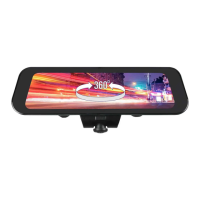
Instructions on mounting the 360 VIEW unit onto the mirror using provided Velcro straps.
Guide on routing the GPS antenna and plugging the power adapter into the cigarette lighter.
Front camera should face forward for super wide viewing angle; adjustment not available.
Dash camera defaults to original view or memorizes last view setting based on power cable.
Overview of touchscreen controls including Record, Photo, Lock, Settings, and Modes.
Users must stop recording before accessing the settings menu.
Selecting the 'PiP Off' option disables Reverse mode.
Double-click lower-right image in 'PiP On' to view backup camera full screen.
Settings for Rear Cam Image, PiP On, and PiP Off are applicable only with CM-AHD1 backup camera.
Short press turns the LCD monitor on/off; long press powers the device on/off.
For vehicles with power retention, refer to the Owner's Manual for details.
Contact retailer or RYDEEN Technical Support for any questions about the 360 VIEW.
Provides phone numbers, email address, and website for technical support.
Visit the website for more detailed instructions and manual catalog downloads.
 General
| Camera Type | 360-degree Surround View |
|---|---|
| Number of Cameras | 4 |
| Waterproof Rating | IP67 |
| Video Output | Composite Video |
| Operating Voltage | 12V DC |
| Compatibility | Universal |
| Installation | Professional installation recommended |
| Features | Bird's Eye View |

 To Next Page