47 - English
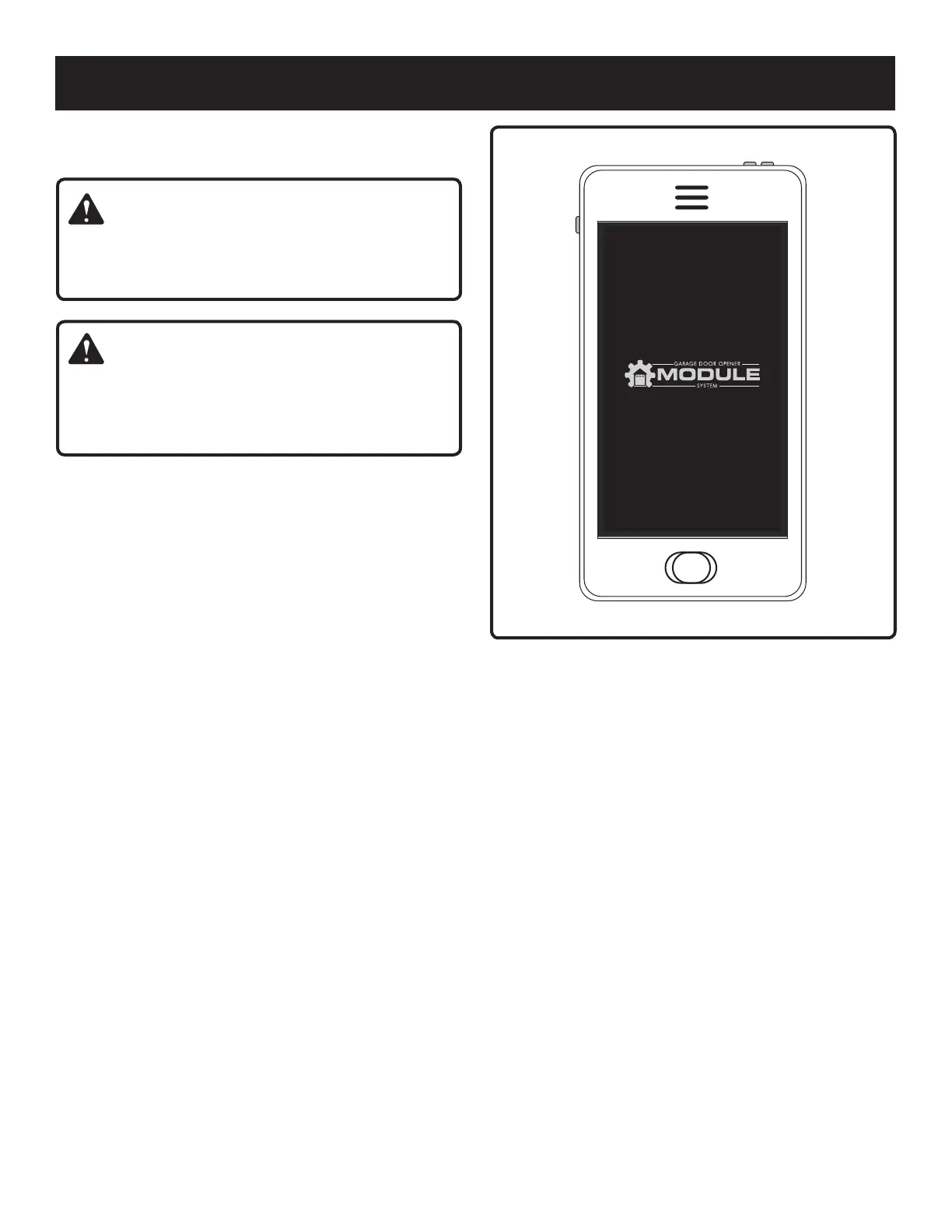
Fig. 77
OPERATION
USING THE SMARTPHONE APP
See Figure 77.
WARNING:
To reduce the risk of injury to persons – Only enable the
RYOBI Garage Door Opener Accessory System App
feature when installed with a sectional door.
WARNING:
Devices or features, such as the RYOBI Garage Door
Opener Accessory System App, that allow you to open
and close the garage without the garage door being in
view should only be used with sectional garage doors.
A Wi-Fi router connected to the internet is required to use
the smart phone app. You will not be able to open your
garage door or receive other information from installed
accessories using the smart phone app if your home’s Wi-Fi
connection with your garage door opener is not connected
or functioning properly.
Download the RYOBI Garage Door Opener Accessory
System App from the App Store or Google Play Store.
Install a door sensor and relay hub as described in the
separate addendum for the Wi-Fi Connectivity System
and the RYOBI Garage Door Opener Accessory System
App.
Follow the instructions provided in the app and app guide
to control your garage door opener and accessories. For
more information, visit www.ryobitools.com.


 To Next Page