7
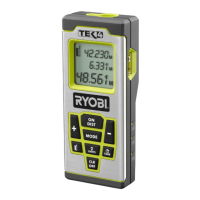
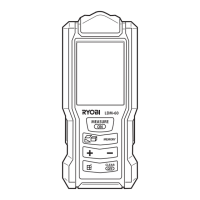
This laser distance measure has been designed to be a
low-maintenance tool. However, in order to maintain its
performance, you must always follow these simple directions.
1. Always handle the tool with care. Treat it as an optical device,
such as a camera or binoculars.
2. Avoid exposing the tool to shock, continuous vibration or
extreme hot or cold temperature.
3. Always store the tool indoors. When not in use, ALWAYS store
the tool in its protective case.
4. Always Keep the tool free of dust and liquids. Use only a clean,
soft cloth for cleaning. If necessary, slightly moisten the cloths
with pure alcohol or a little water.
5. Do not touch the lens with your fingers.
6. Check the batteries regularly to avoid deterioration. ALWAYS
remove the batteries from the tool, if it is not going to be used
for an extended period of time.
7. Replace the batteries when the battery icon is continuously
empty displayed on the LCD.
8. Do not disassemble the laser measuring tool; this will expose
the user to hazardous radiation exposure.
9. Do not attempt to change any part of the laser lens.
ACCURACY CHECK OF THE MEASURING TOOL
The accuracy of the measuring tool can be checked as follows:
• Select a permanently unchangeable measuring section with a
lengh of approx. 3 to 10 metres;its length must be precisely
known (e.g. the width of a room or a door opening).The
measuring distance must be indoors;the target surface for the
measurement must be smooth and reflect well.
• Measure the distance 10 times after another.
The deviation of the individual measurements from the mean
value must not exceed ±2mm(max.).Log the measurements,so
that you can compare their accuracy at a later point of time.
SAVE THESE INSTRUCTIONS FOR FUTURE REFERENCE.
MAINTENANCE
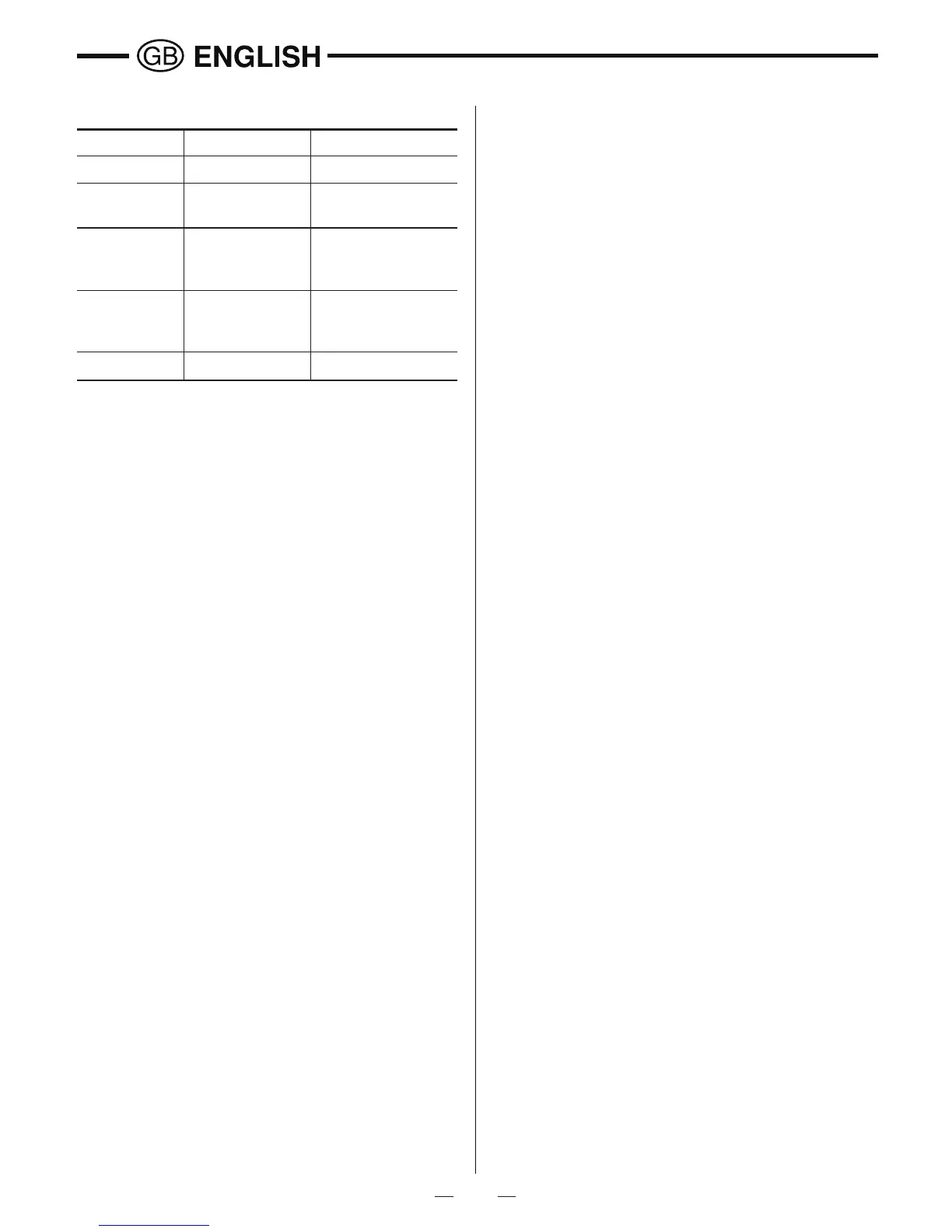
ERROR CODE
Measure target within
the range
Message code Possible Cause Remedy
Err10 Battery too low Change batteries
Err15 Out of range
Err16 Received signal
too weak
Use light color target;
Hold Quick Measure
more steady
Err18 Background
brightness
too high
Use dark colored
target
Err26 Out of display


 To Next Page