1
2
1
2
3
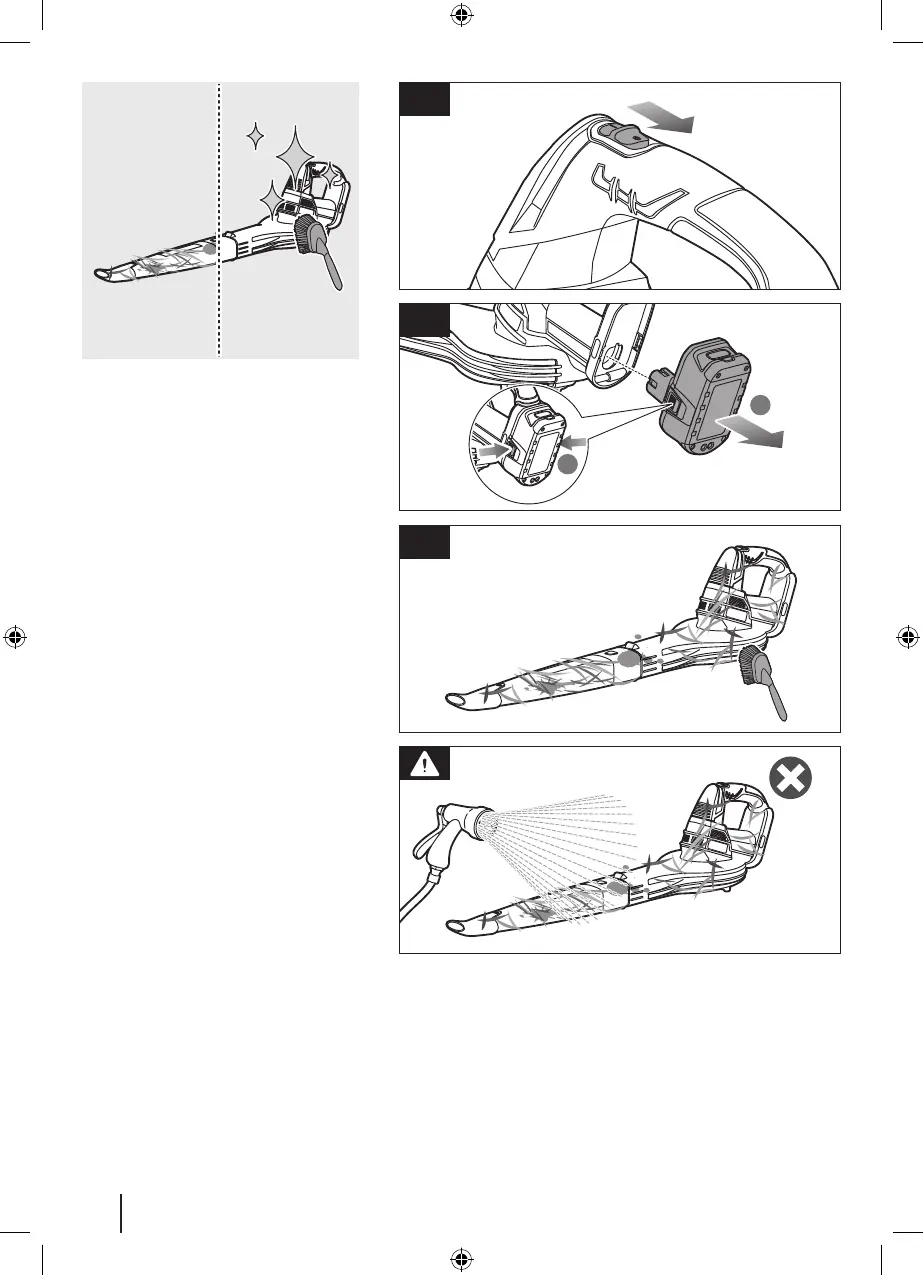
CLEANING THE PRODUCT
1. Slide down the switch to turn off the
product.
2. Press the battery latch button, and
remove the battery pack.
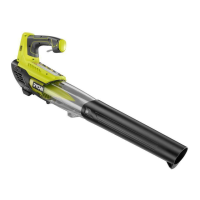
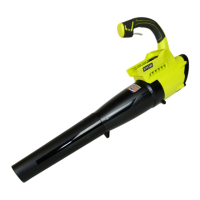
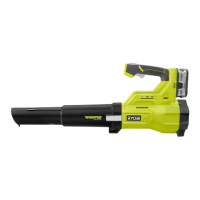
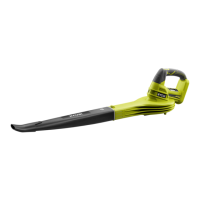
3. Clean the blower using a brush.
WARNING! Avoid using solvents when
cleaning plastic parts. Most plastics are
susceptible to damage from various types of
commercial solvents and may be damaged
by their use. Use a clean brush to remove
dirt, dust, lubricant, grease, etc.
10



 To Next Page