9 - English
OPERATION
OTHER COMMANDS
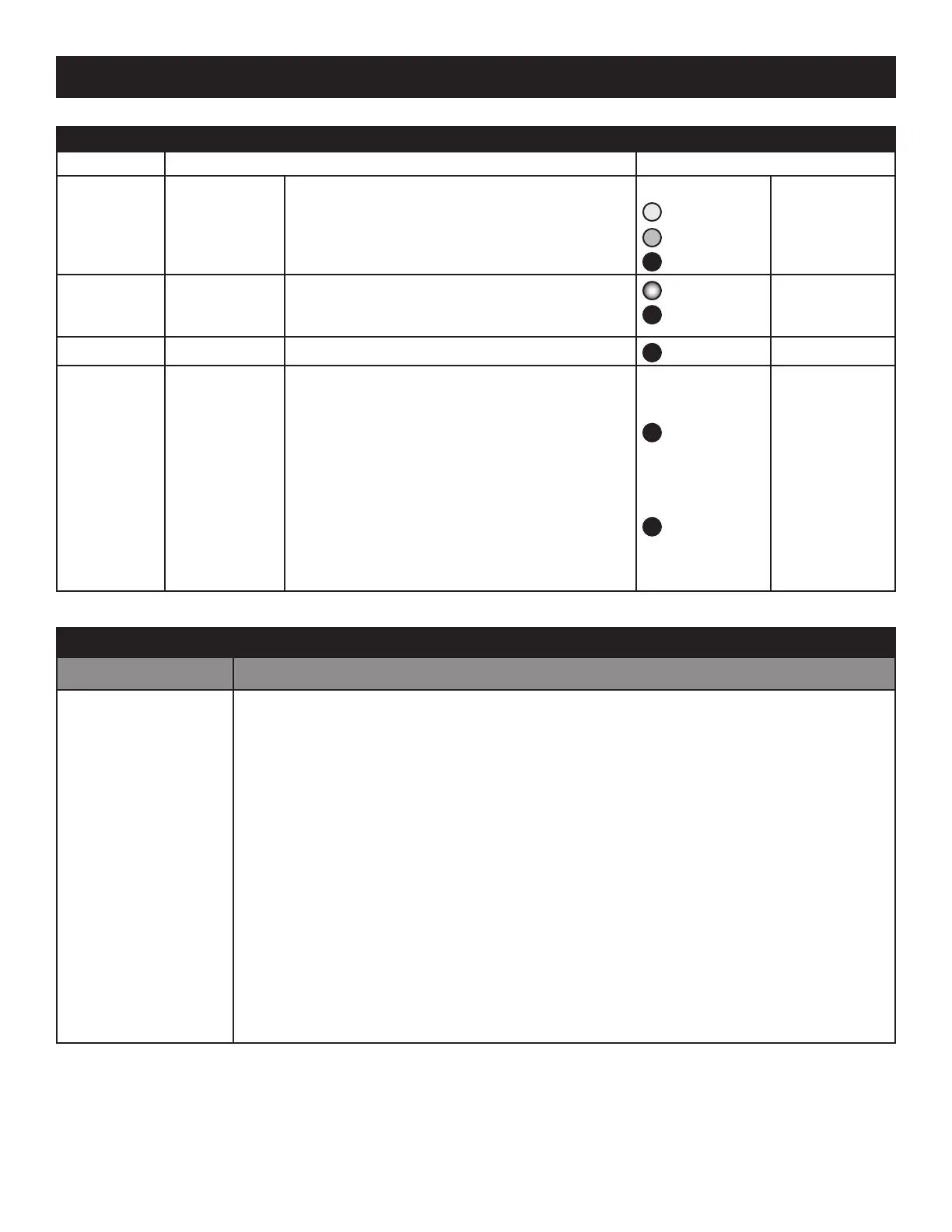
Bond button Command Indicator Meaning
3 Clicks
Mute
Do again to Unmute; any Click command will first
Unmute and then do its function
(slow flash)
Yellow,
Green, or
Red
= Muted
4 Clicks
Red Mode
If you have 2 or more transmitters on your Green
List, power on just the one you want to hear and
it plays automatically.
Red (dim)
Red (bright)
= Hunting
= Bonded
6 Clicks
Factory Reset
Clear Green List. Start Over!
Red (flash)
Reset Done
Hold during
power on
Make a Cluster
of Receivers
1. Power off all transmitters and receivers
2. Power on the Primary receiver while holding
down its Bond Button—hold the button down
until the Indicator begins to flash Red
3. With the remaining receivers within 3 meters of
the Primary receiver, power on the first one, wait
for its Indicator to flash Red and then power on
the second one; continue until all of them are
powered on
4. Once all of the Indicators stop flashing (turn solid
Red), power off all of the receivers
Red (flash)
Red (bright)
Receiver has
entered
“Cluster Up”
mode
The Cluster has
been success-
fully made
QUESTIONS AND ANSWERS
QUESTION ANSWER
How does the Green
List work?
You can store up to 10 favorite transmitters on your Green List.
Every time you add a transmitter, it is assigned the first open spot on the Green List—so if you
already have two favorite transmitters, the next one you add will go into Green List spot #3.
When you click the Bond Button, the receiver hunts through the Green List much like a car
radio hunts for radio stations when you press “seek”. If the Indicator is dim Green and flashes
every few seconds, you know the receiver is hunting through your Green List.
Say you have 5 transmitters on your Green List; your receiver will hunt through the list one by
one: 1, 2, 3, 4, 5 and then back around to 1 and so on (always starting with the last-bonded
favorite transmitter). The dim Green Indicator flashes every time the receiver moves to the
next spot. The receiver hunts through your Green List for up to 1 minute. If it doesn’t find any
of your favorite transmitters in 1 minute, it stops hunting through the Green List and just waits
for the last-bonded favorite transmitter.
When your receiver finds one of your favorite transmitters, it bonds with that transmitter and
starts playing its audio. The Indicator turns bright Green when the receiver has successfully
bonded with one of your favorite transmitters. A dim Green Indicator that is NOT flashing means
the receiver is just sitting on one spot, waiting for that specific favorite transmitter to show up.


 To Next Page