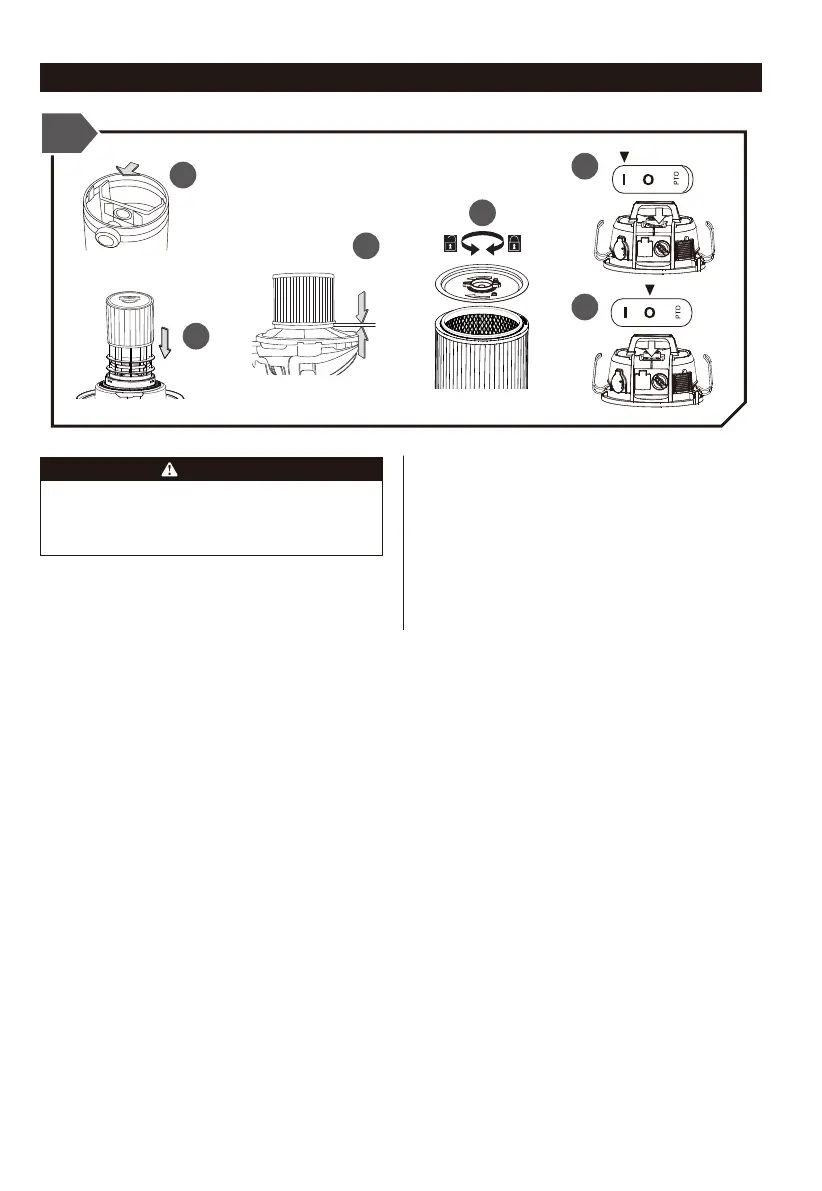
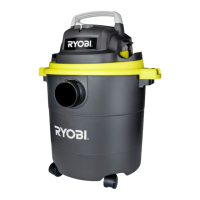
DRY VACUUMING-STANDARD APPLICATION
1
2
3
4
5
6
BEFORE INSTALLING, REMOVING OR CLEANING
THE VACUUM CLEANER FILTER, ENSURE THAT
THE POWER CORD IS SWITCHED OFF AND
UNPLUGGED.
WARNING
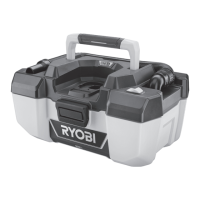
1. Firstly install the paper dust bag onto the inlet of the
hose.
2. Carefully install the cartridge filter over the filter cage.
3. Push the filter until it sits flush forming a tight seal.
4. Turn clockwise to secure against the filter cage.
5. Press the switch to "I" ON mode for dry vacuuming.
6. After vacuuming, switch off the machine by pressing to
"O" OFF mode before taking out the dust bag.
8
9


 To Next Page