Connect via Aux cable
O
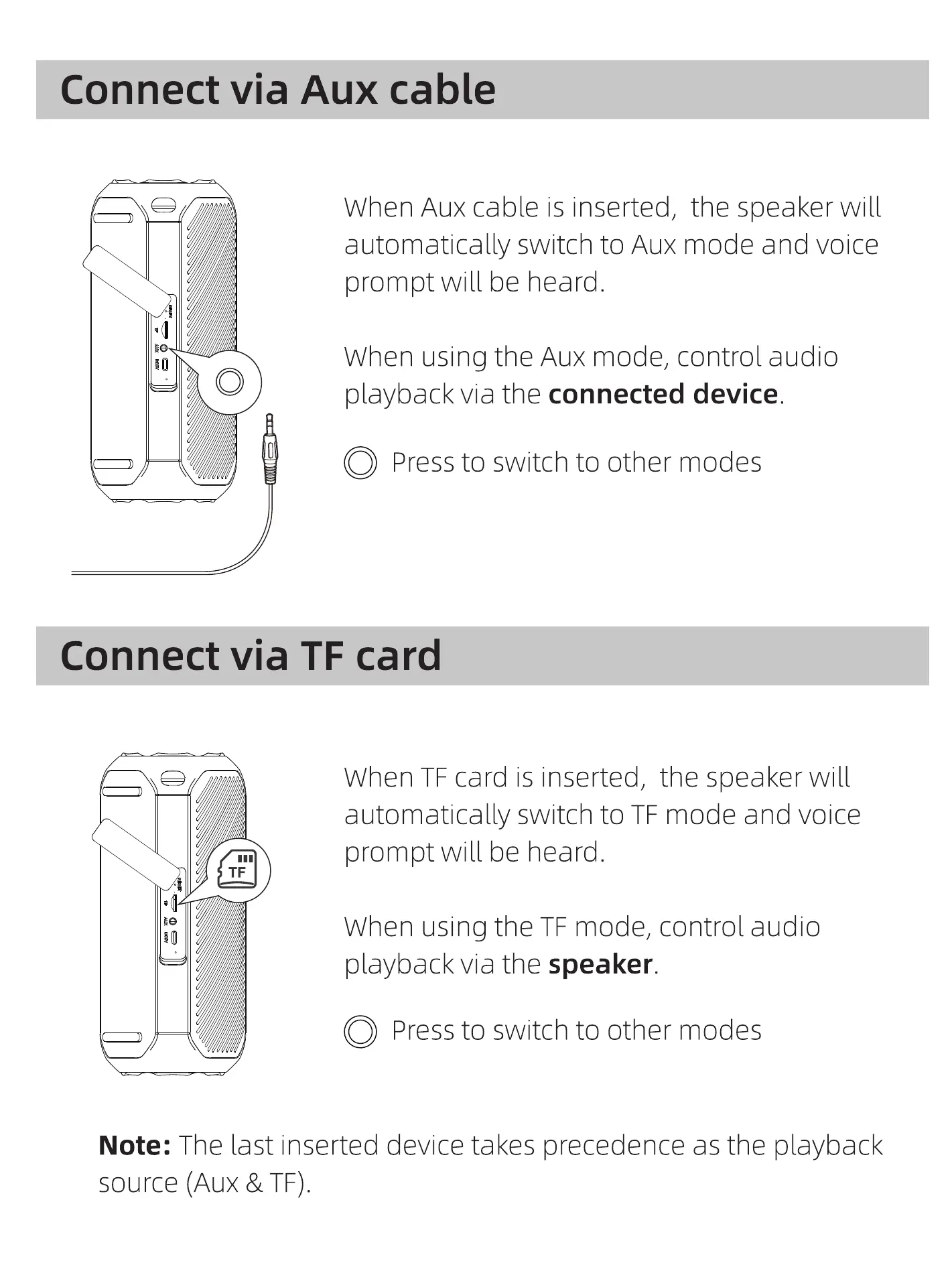
When Aux cable is inserted, the speaker will
automatically switch to Aux mode and voice
prompt will be heard.
When using the Aux mode, control audio
playback via the connected device.
O Pressto switchto othermodes
Connect via TF card
When TF card is inserted, the speaker will
automatically switch to TF mode and voice
prompt will be heard.
When using the TF mode, control audio
playback via the speaker.
O Pressto switchto othermodes
Note: The last inserted device takes precedence as the playback
source (Aux & TF).



 To Next Page